Your personalwardrobe stylist
Know your wardrobe. Create outfits with Karl. See the look on your digital model, and find new pieces that work with yours.
Your pieces. A new addition. One complete look.
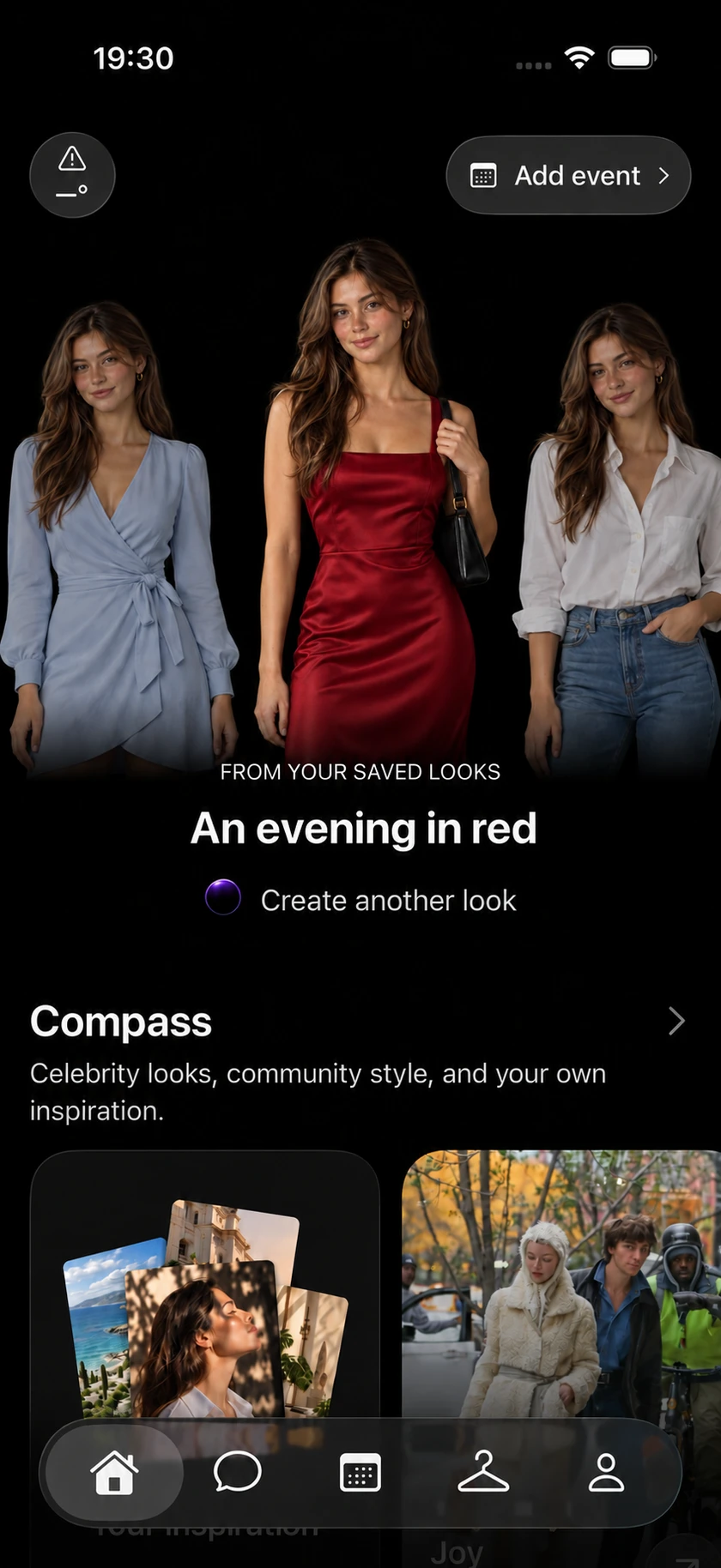

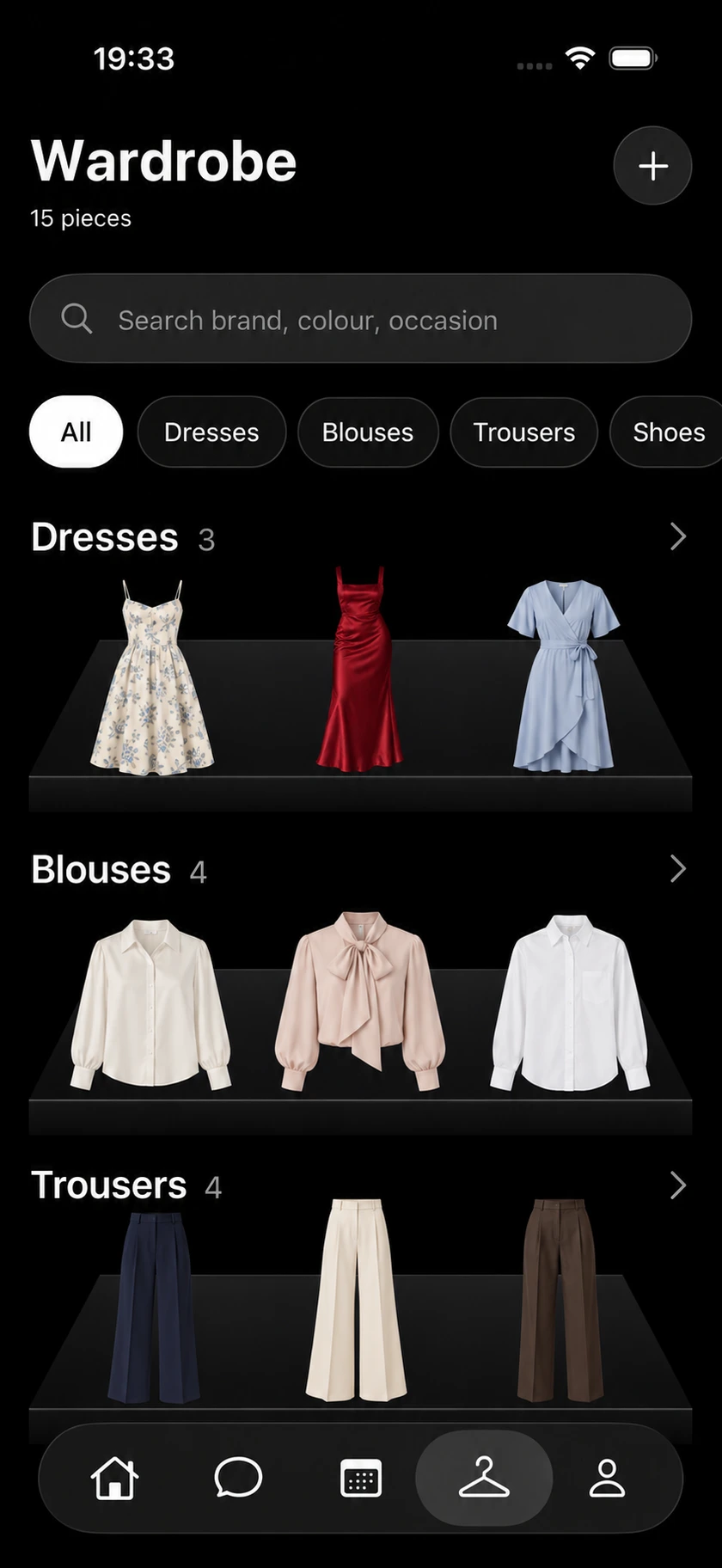
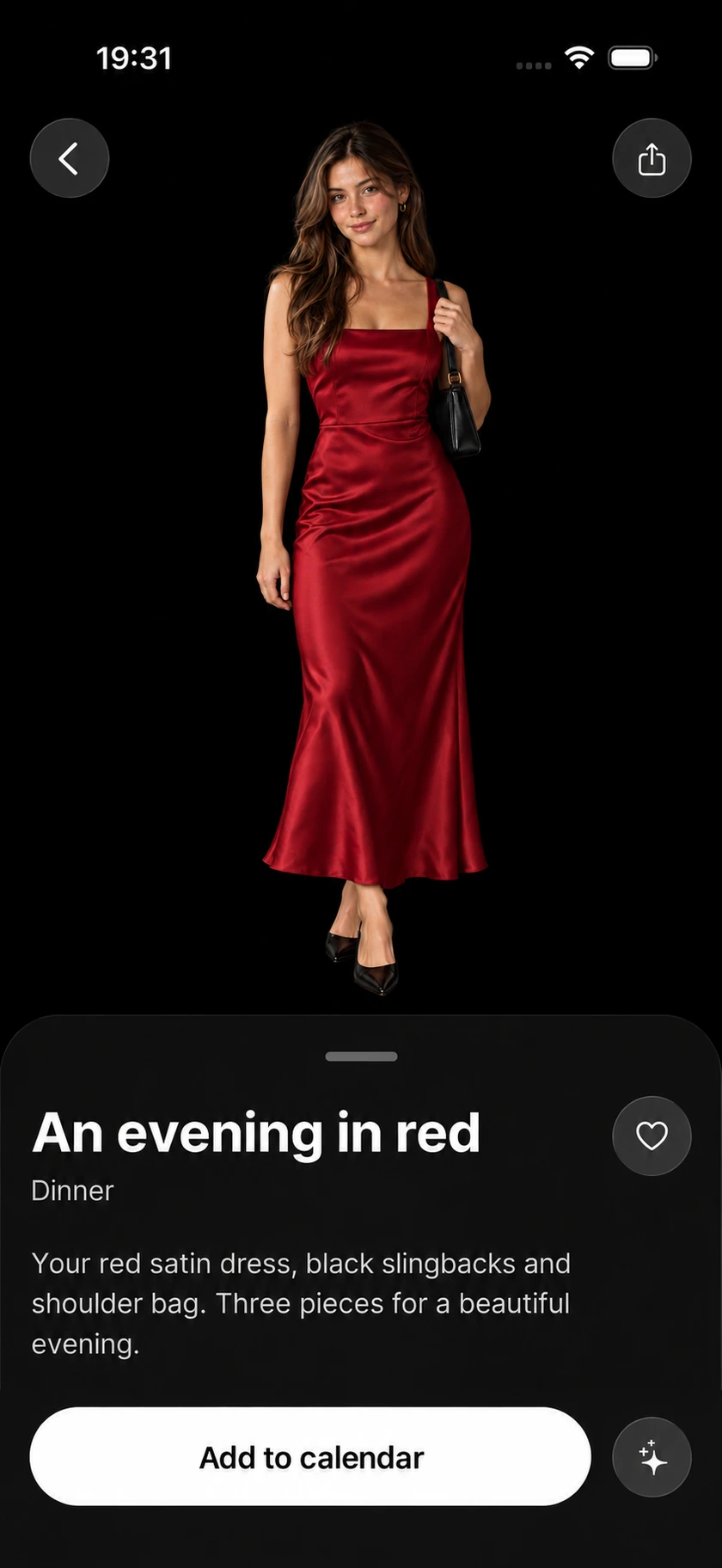
Made from your photos
A realistic avatar
That looks like you
Karl turns your photos into a realistic personal avatar, so you can see each outfit on you. Create it once, then explore look after look.
01Your photos
3 selfies

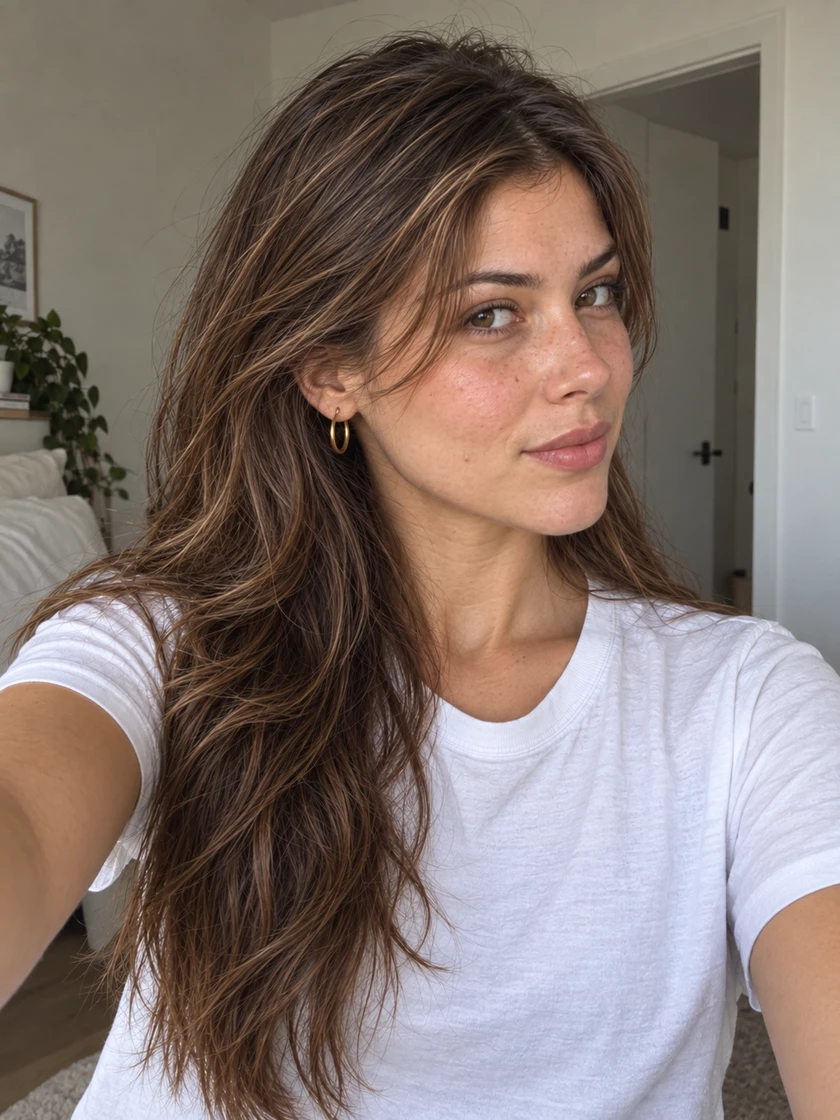
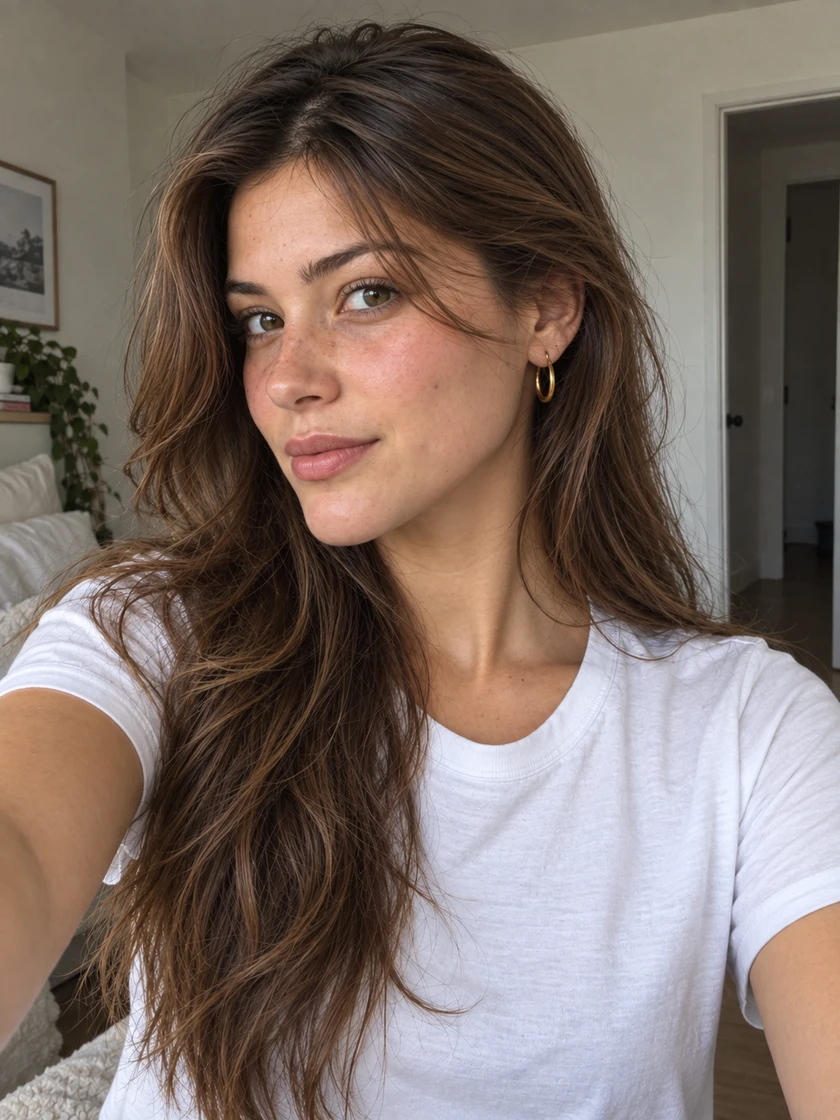
2 full-length photos
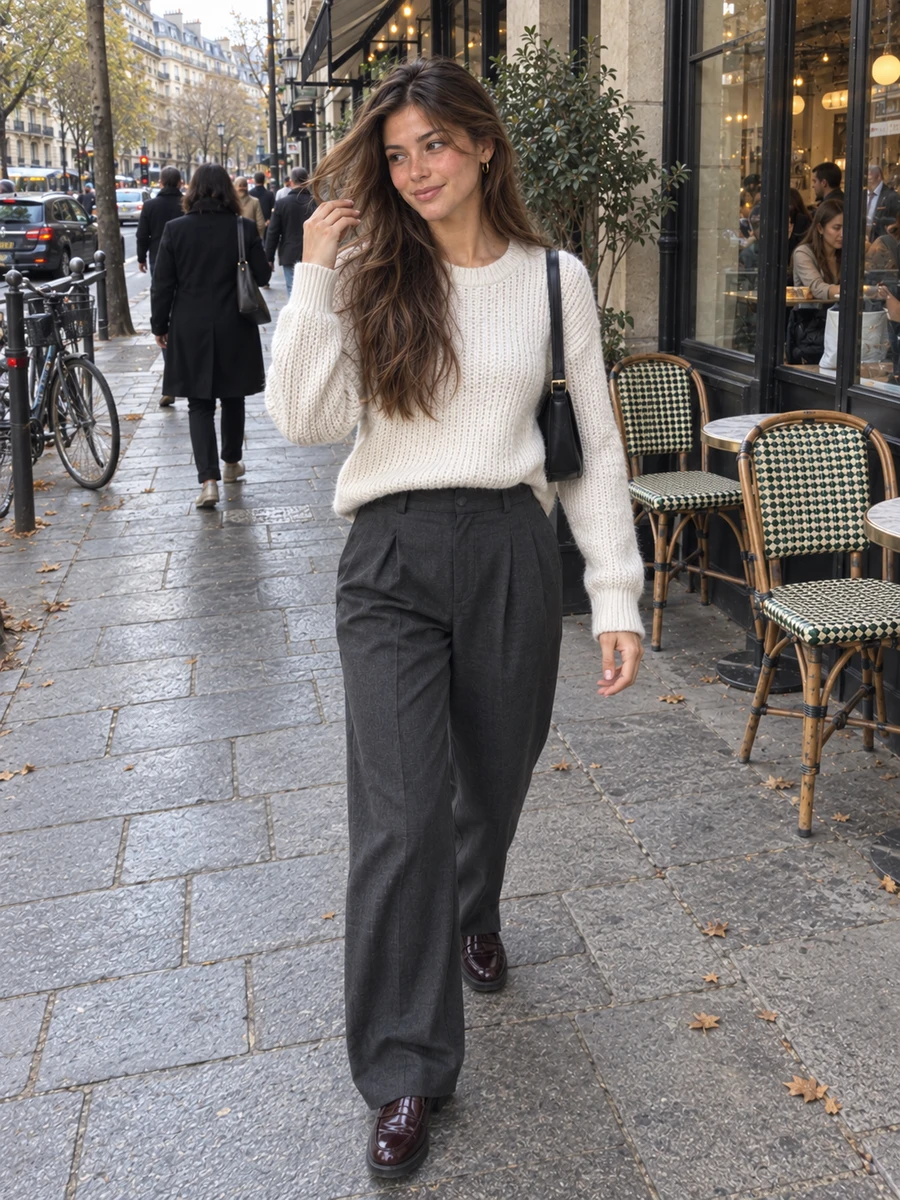
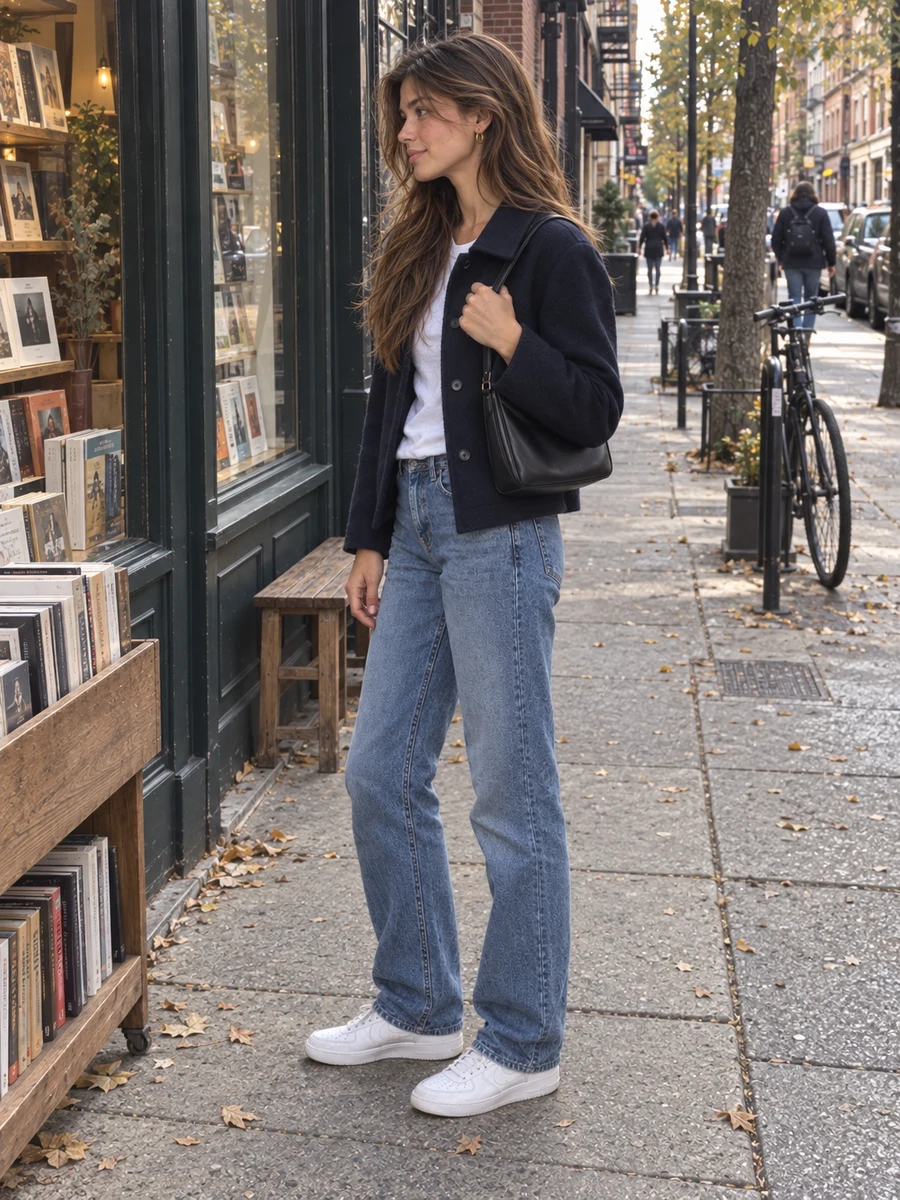
Everyday photos work too. Keep your face and full body clearly visible.
02Your realistic avatar

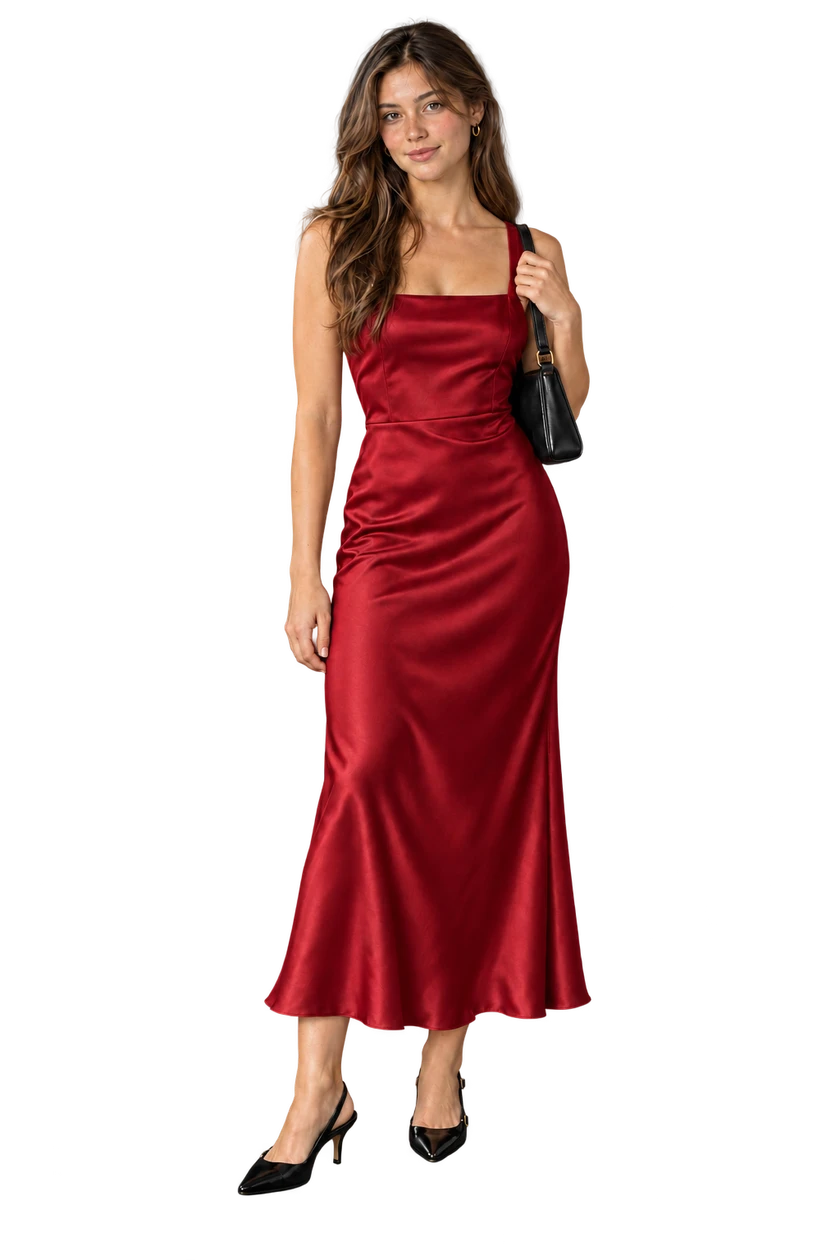
Your face. Your proportions. Your starting point.
01 / Understand your wardrobe
One outfit photo
Every piece, digitized
Upload a photo of yourself in an outfit. Karl identifies each garment and adds it to your wardrobe, ready to build new looks.
Bring the idea to Karl01Upload one outfit photo
One photoA picture you already have. No separate photo for every piece.
02Karl finds the pieces
12344 pieces identifiedKarl recognizes each garment, from your knit to your shoes.
03Added to your wardrobe
Wardrobe4 pieces from one photo
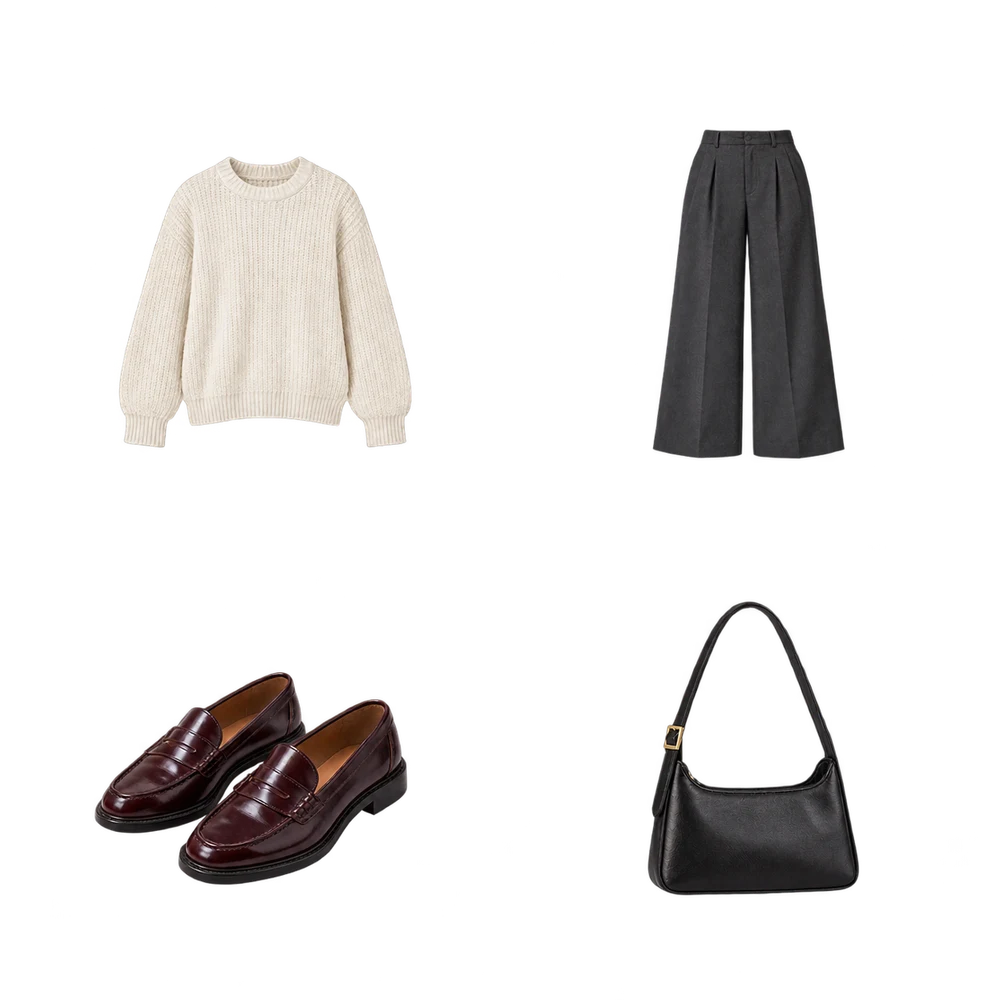
1Ivory knit 2Tailored trousers 3Burgundy loafers 4Black shoulder bag Ready to style with KarlYour clothes, digitized and organized. Ask Karl what to wear next.
 4 pieces identified
02 / Get dressed with Karl
A look for what
you have in mind
Start with a piece, a photo, or a plan. Tell Karl what feels right, refine the outfit together, and see the result on your digital model.
- 01
Tell Karl what you need
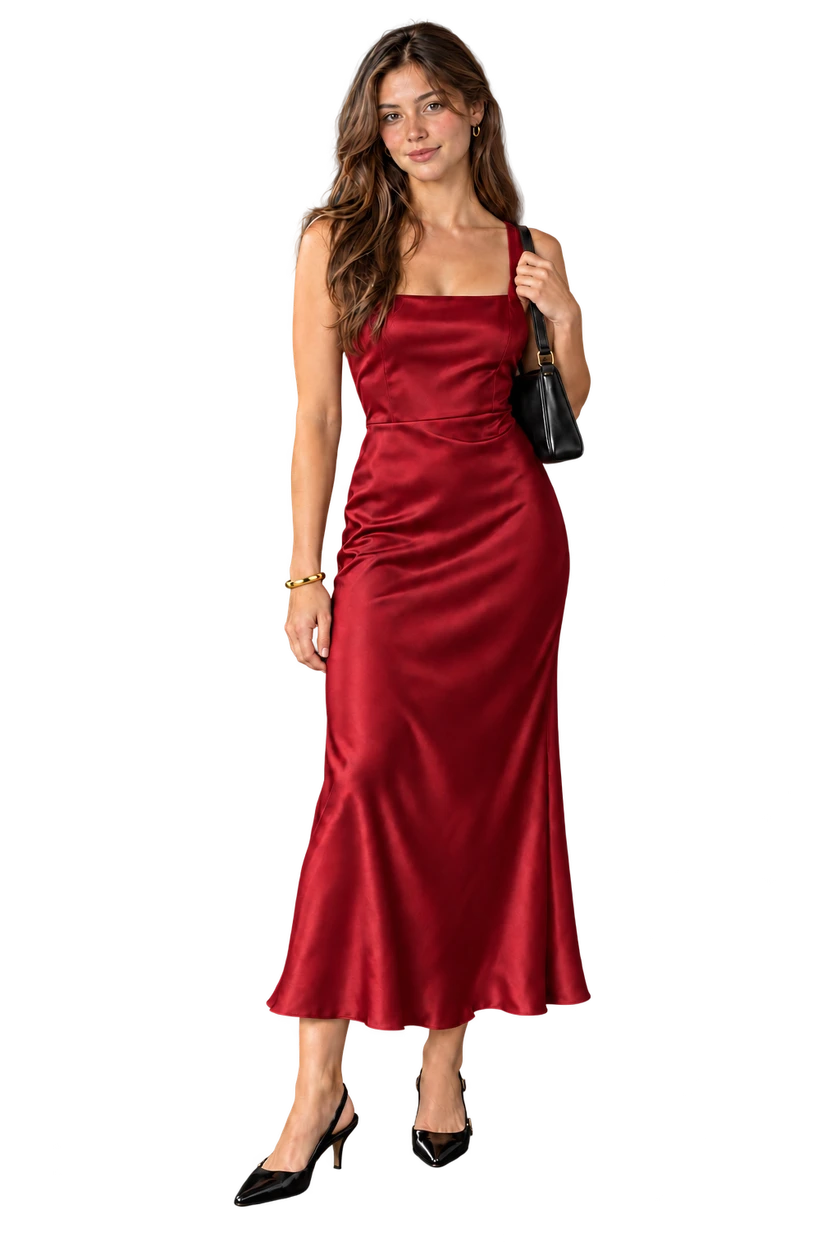
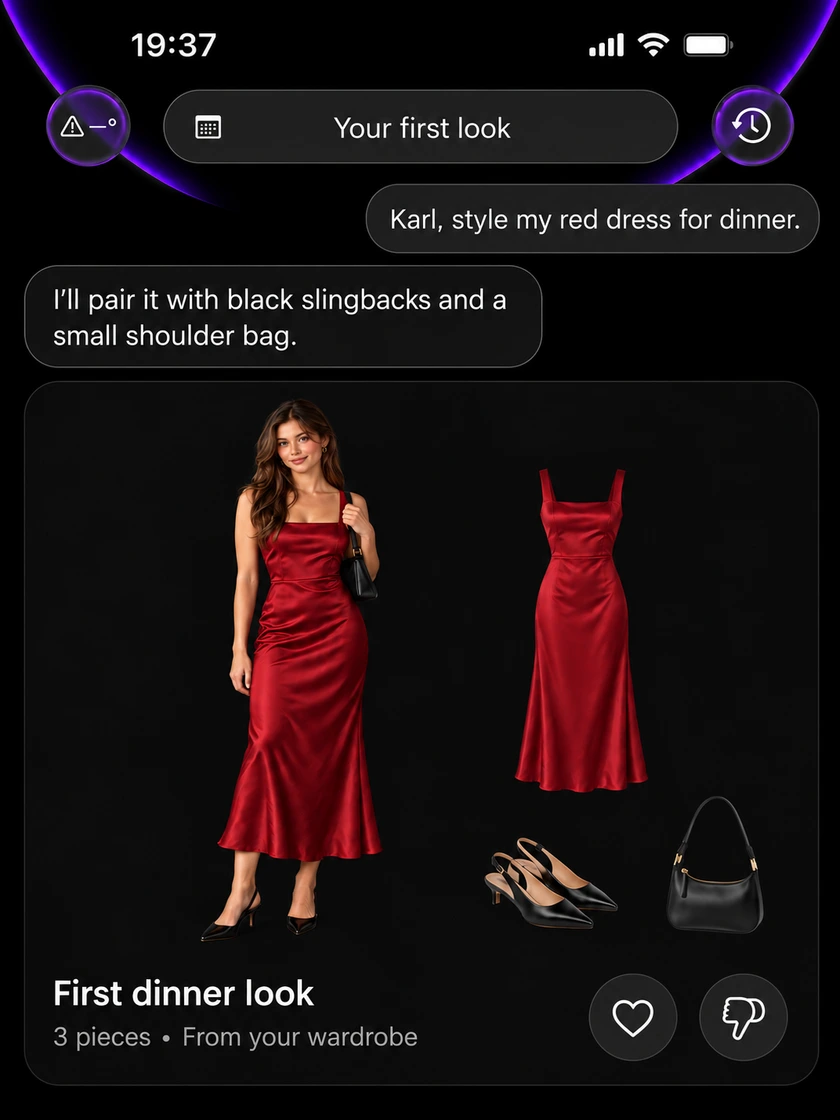
A dinner tonight. Your favorite red dress. Ask Karl to build a look around the pieces you already love.
KarlIllustrative conversation
Dinner tonight. Style my red evening dress.Your red satin dress makes the statement. Add black slingbacks and a small shoulder bag for an elegant evening look. - 02
Bring the pieces together
A red evening dress, black slingbacks, and a shoulder bag. Adjust the shoes, add a layer, or explore accessories with Karl.
- 03
See the look on your model
Explore the finished outfit, refine it with Karl, and save it for later.
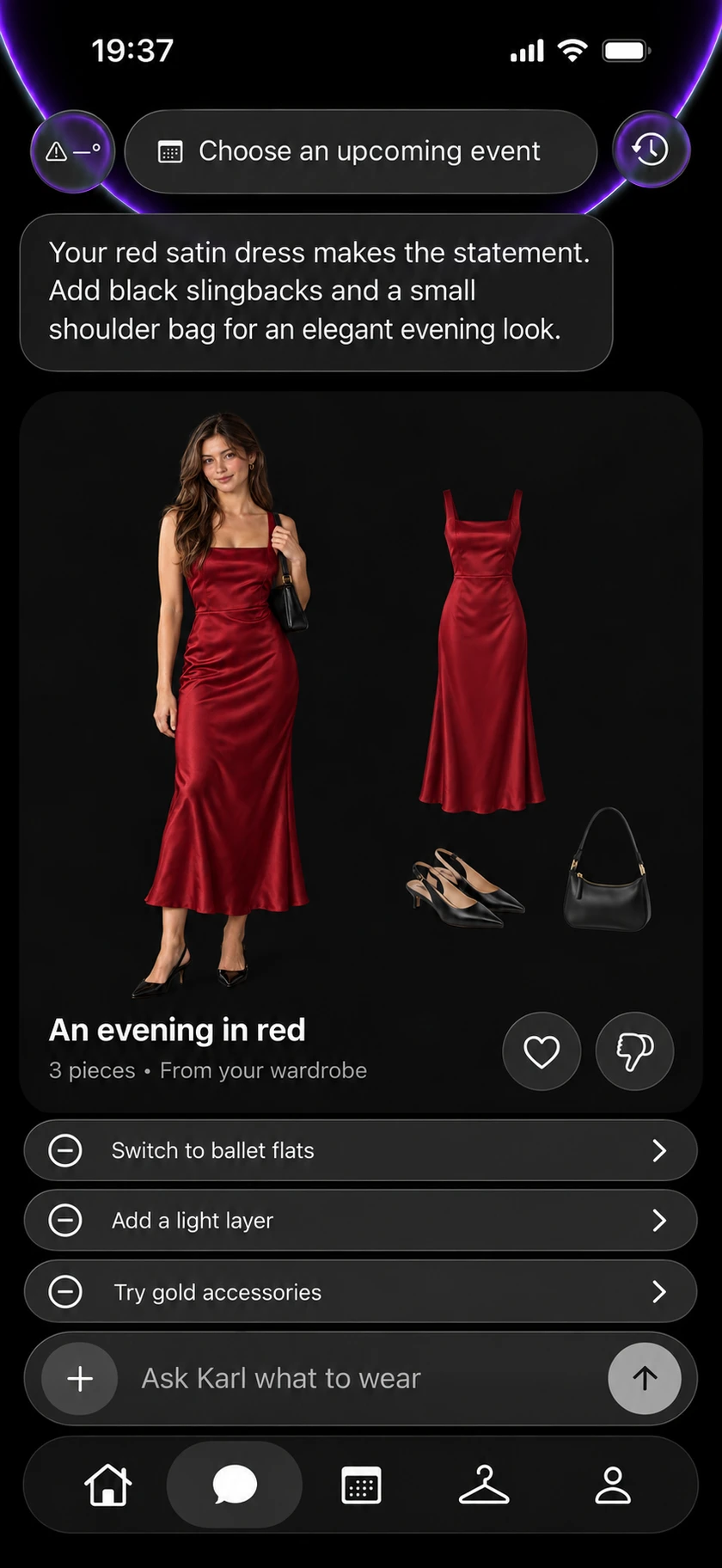
A digital model helps you picture an outfit. It does not guarantee size or physical fit.
03 / Shop with your wardrobe in mind
Find pieces that
belong with yours
Explore suggestions with a reason behind them. See how a new piece could work with what you own, open its details, and visit the retailer when you are ready.
- 01See the connection
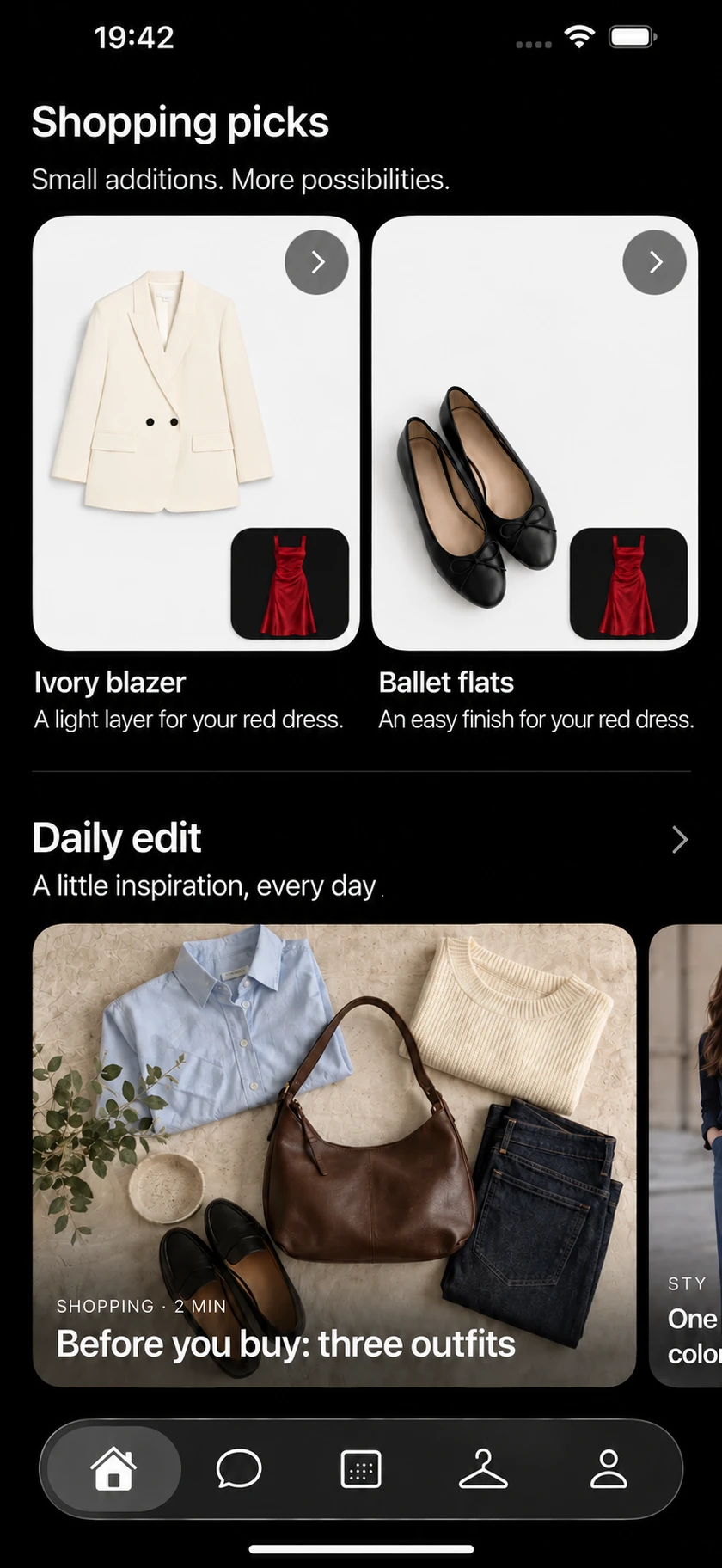
Shopping picks pair a suggested addition with a piece you already own.
- 02Explore before you buy
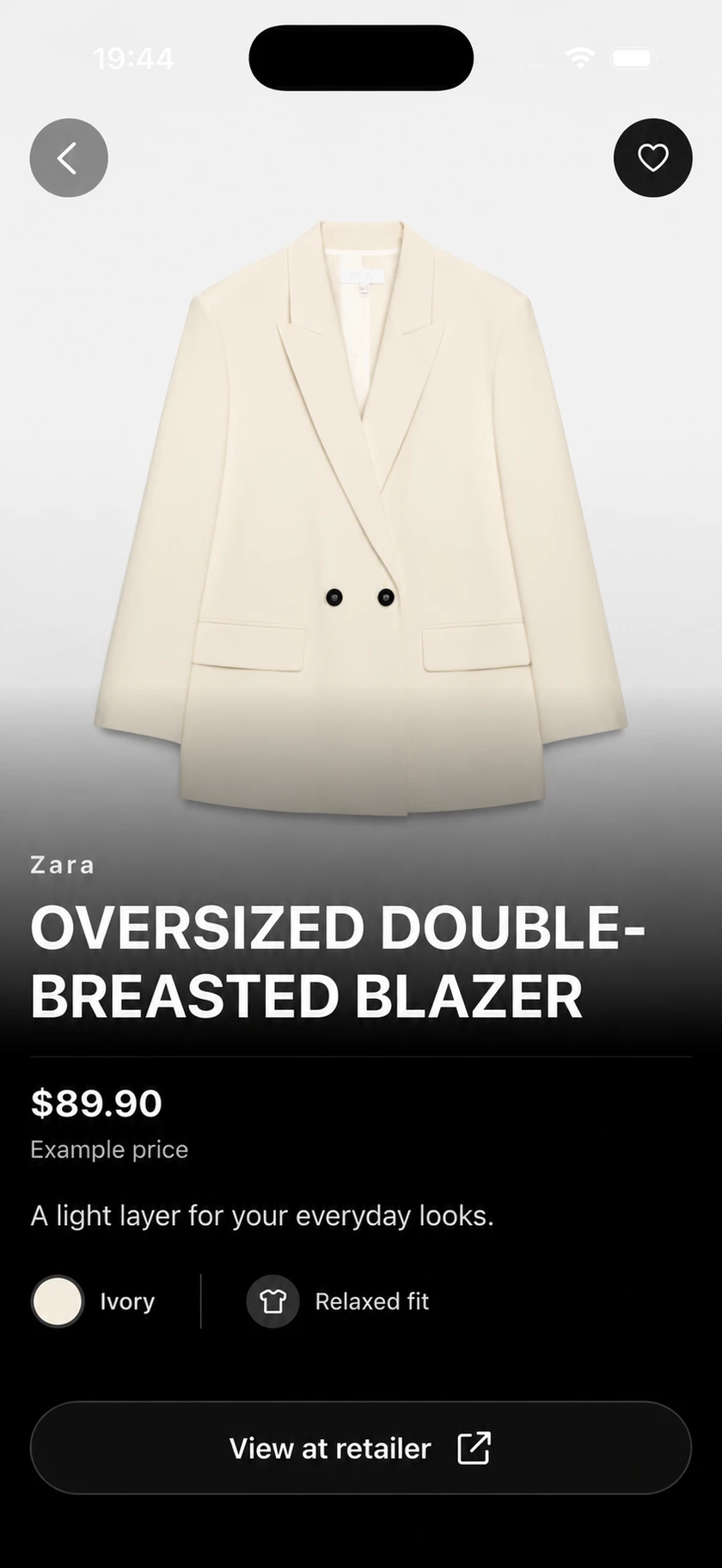
Browse product details and Daily edit for fresh shopping and styling ideas.
- 03Buy from the retailer
Check current price, availability, delivery, and returns on the retailer's site.
Ask Karl to shop
Something new
That works with yours
Tell Karl what you want to shop for. He can suggest products from the online catalog and help you find options that work with your clothes.
- Start with an item, an occasion or an idea
- Explore suggestions with your wardrobe in mind
- Choose what you want to explore next
Illustrative catalog conversation
Wear it with your blue jeans and gold earrings for dinner.
Wear it with your jeans and white sneakers for a relaxed look.
Complete the look
One piece missing?
Karl can help find it
Start with what you own. If a look needs something your wardrobe is missing, Karl can suggest a product from the online catalog to bring it together.
Explore the suggestion, then visit the retailer for current price, availability and purchase details.
See how Karl styles a lookIllustrative catalog conversation
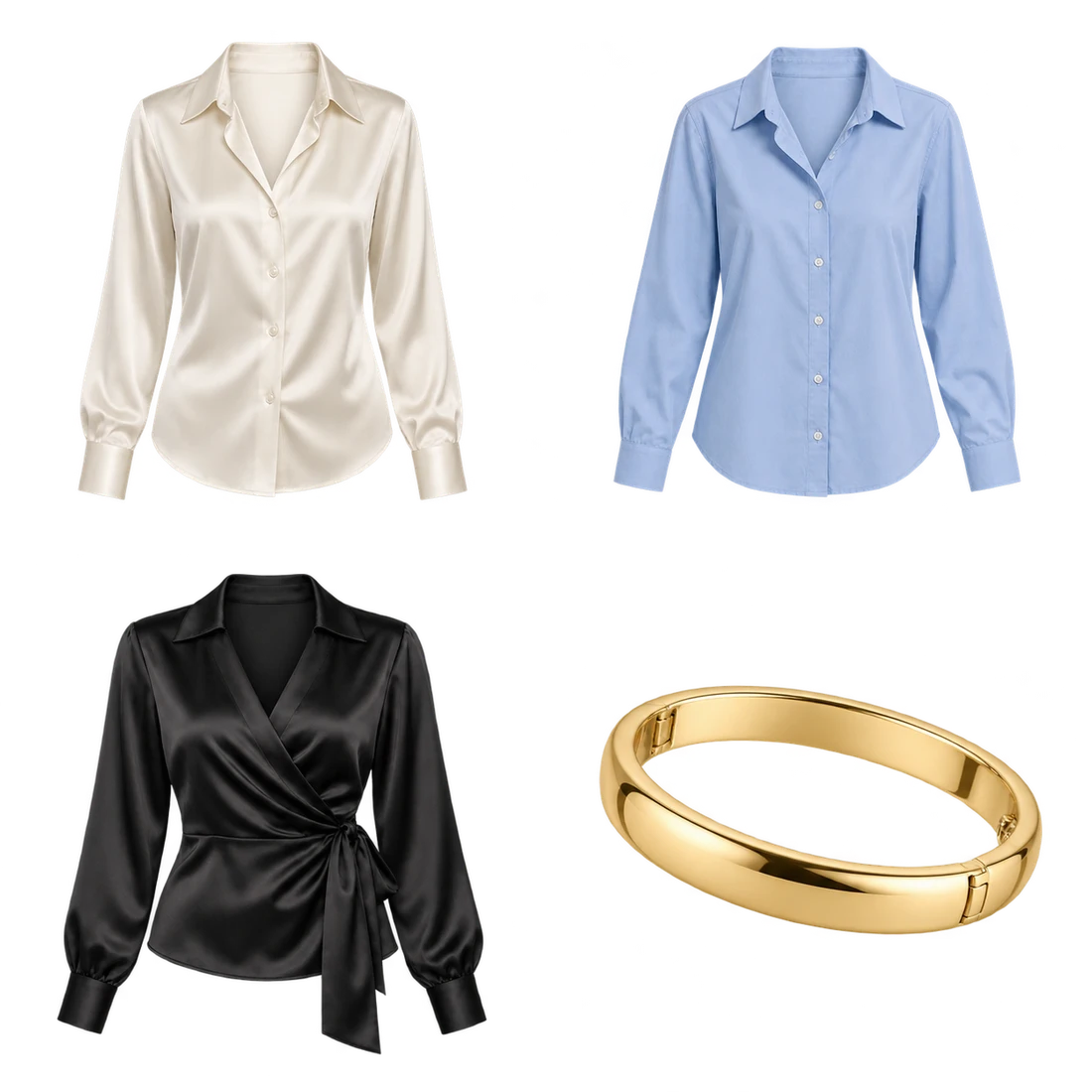
Gold bracelet
A warm finishing detail for your red dress and black accessories.
Suggested for this look04 / CompassPreview
Like the look
Make it yours
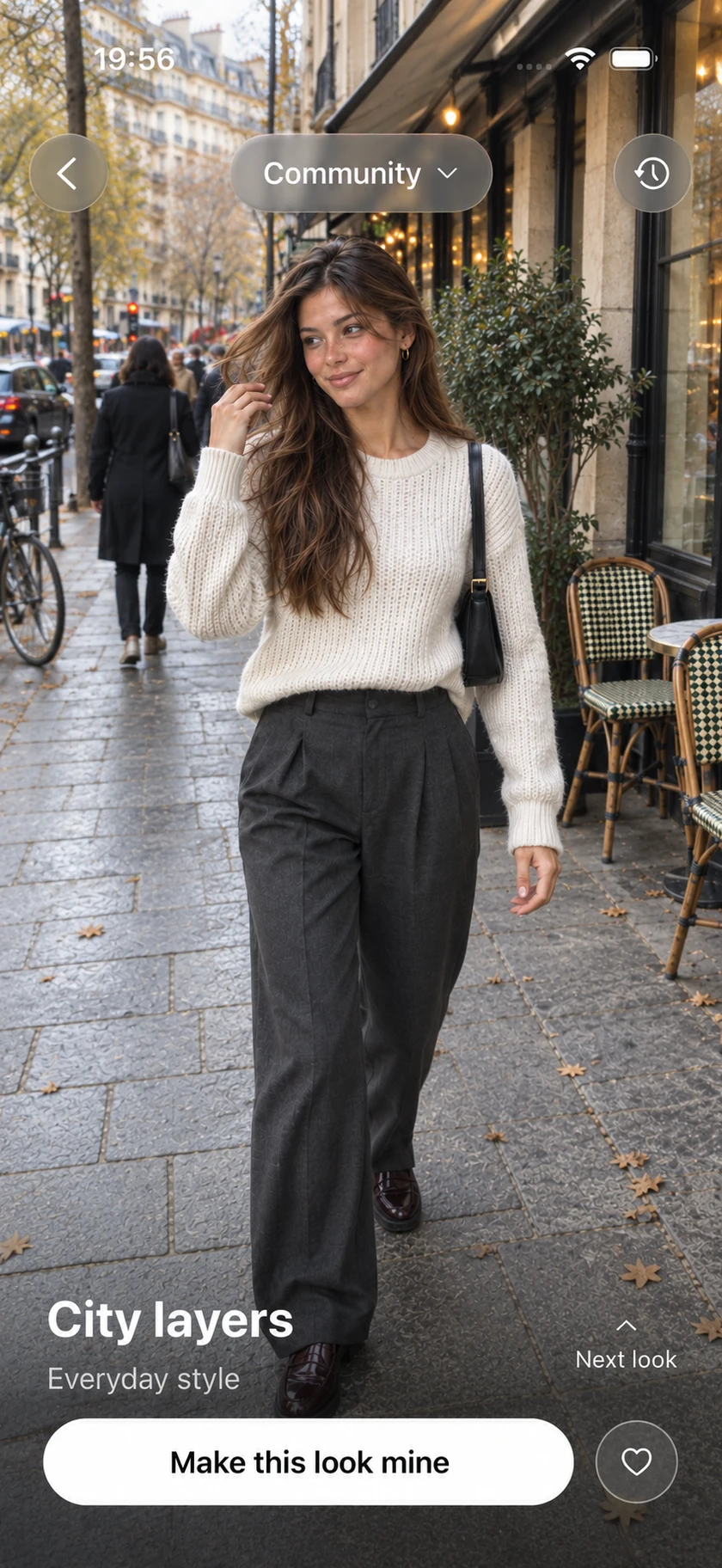
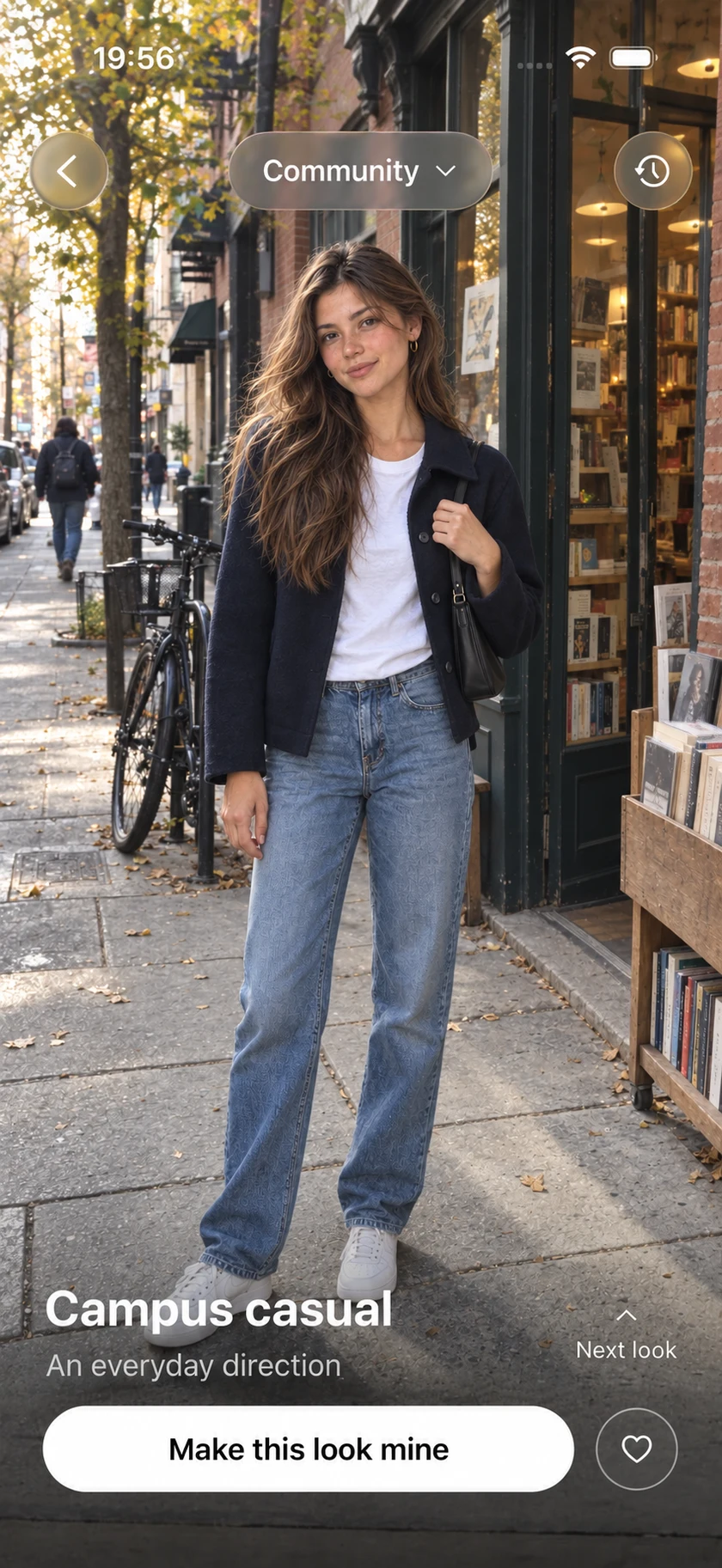
Explore a direction in Compass, then bring it to Karl. Build your version with your wardrobe and relevant new finds.
Inspiration is the starting point. Styling and optional try-on are separate steps.
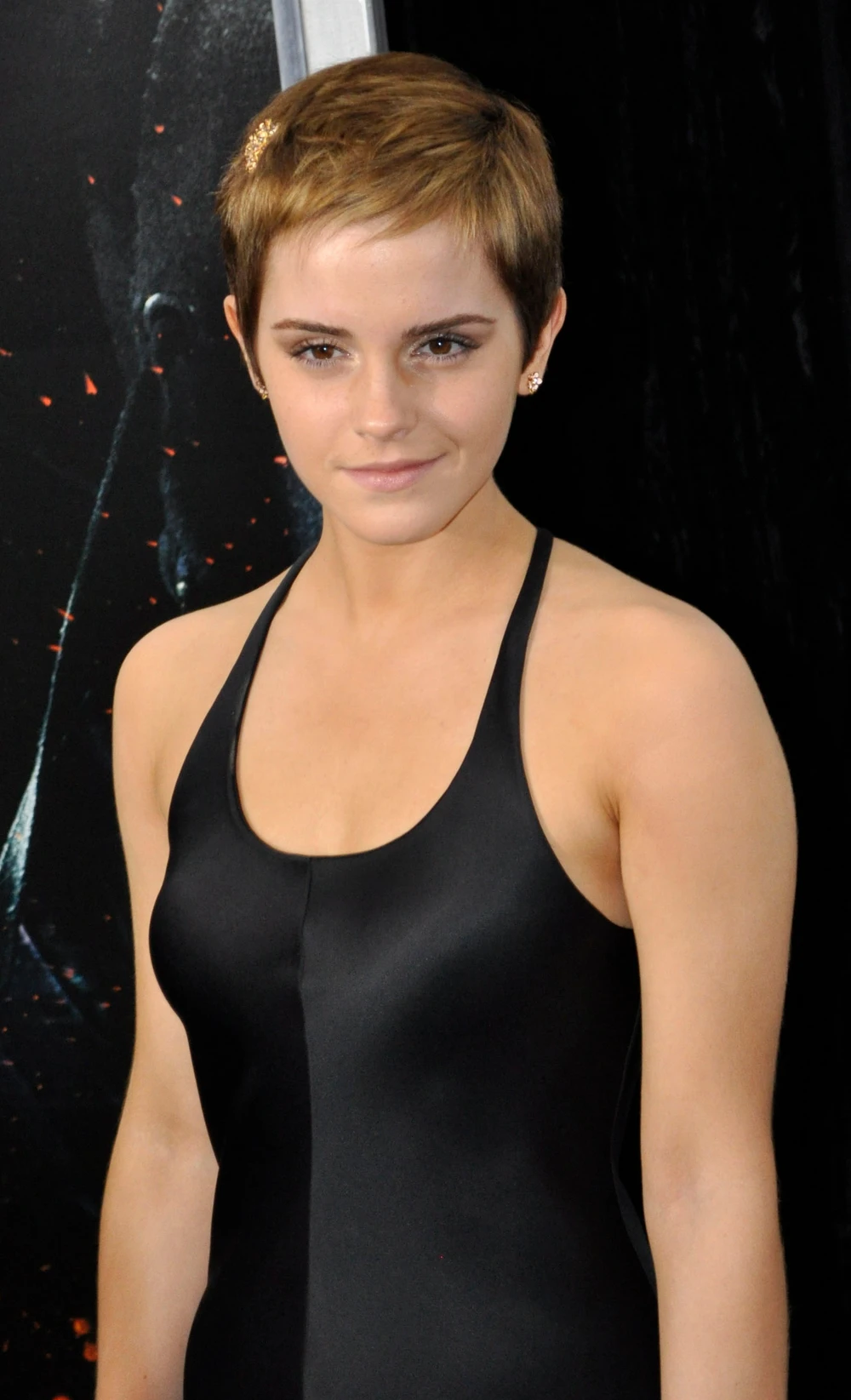
See how Karl brings it togetherCelebrities
Community
Celebrities
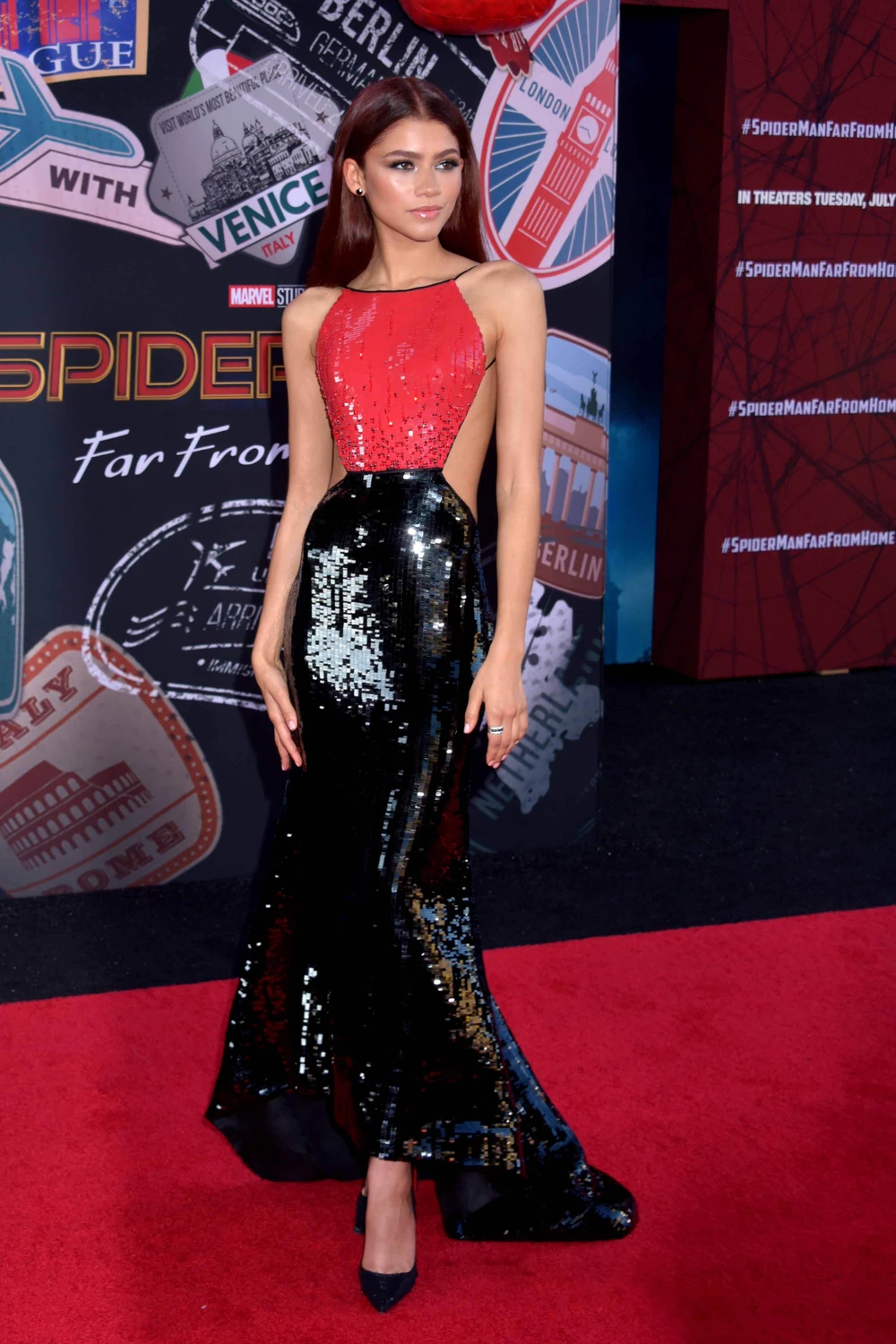
Community
05 / CalendarPreview
Put a look
to your plans
Add an event, ask Karl for an outfit, and save a look for what is ahead. Keep a record of what you wore.
Calendar and weather access are optional. You decide what to connect.
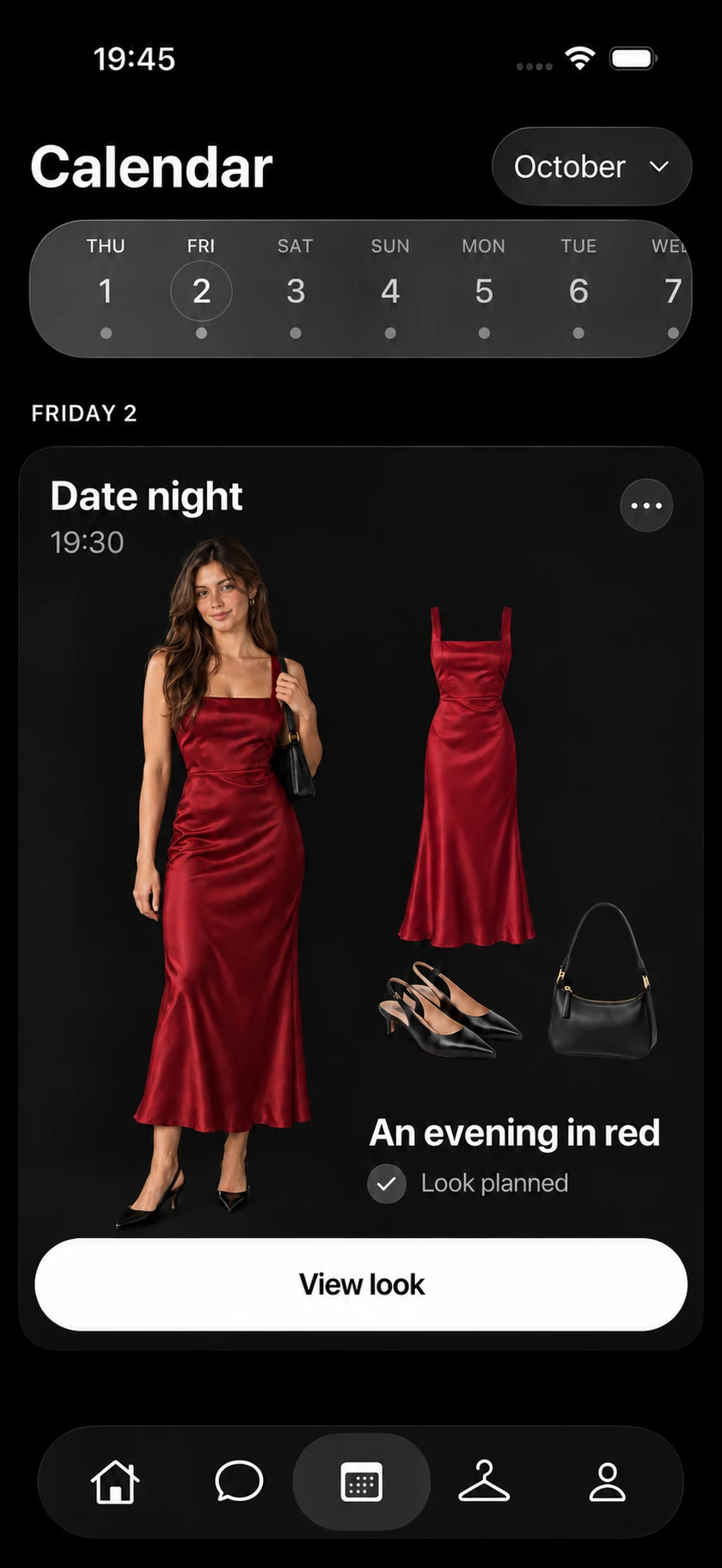
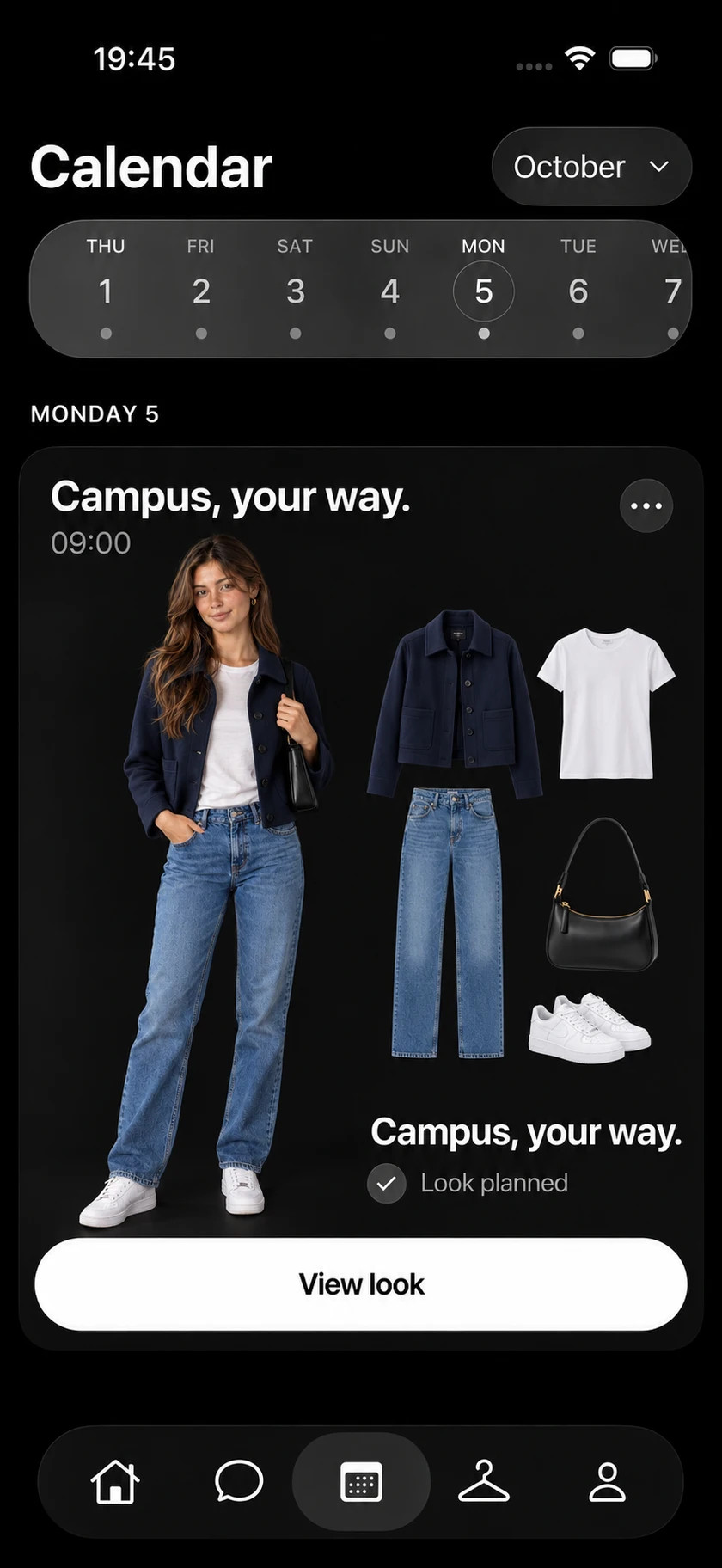
Illustrative calendar conversation
06 / Keep making it yours
Your preferences shape
the conversation
Tell Karl what works for you and what does not. Update or forget your saved preferences as your taste changes.
Illustrative conversation
Start small
A few pieces
A place to begin
- 01
Make it personal
Share your style preferences and create your digital model from your photos.
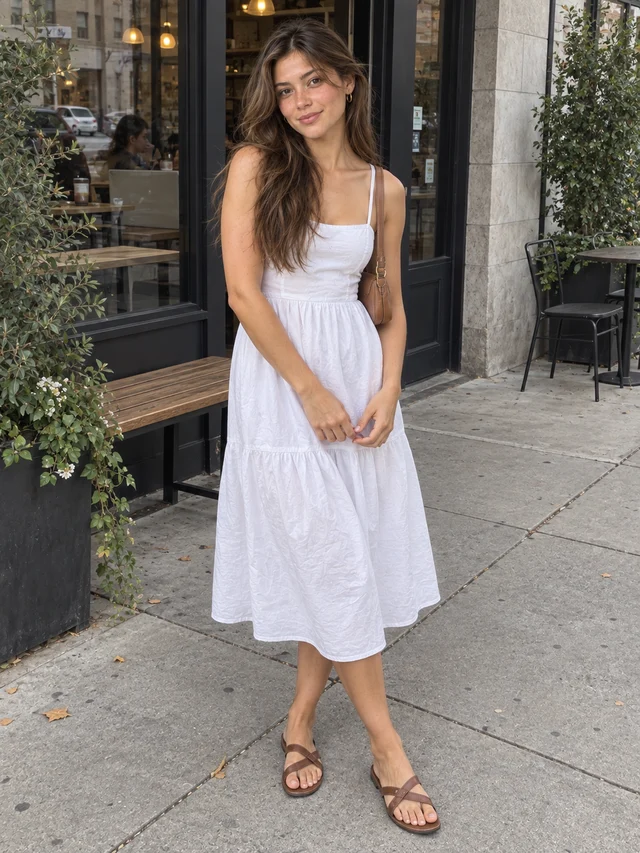
One outfit photo 02Upload an outfit photo
Just a photo of you in your clothes. Karl digitizes the pieces for your wardrobe.
- 03
Ask for your first look
Tell Karl about a piece or a plan. Explore the result, refine it, and save it.
Have a
question?
Getting started
Upload a photo of yourself wearing an outfit. Karl digitizes the clothes in the photo and adds them to your wardrobe. You do not need to photograph each piece separately.
ttlk is an AI fashion companion built around Karl, your personal stylist. Use your wardrobe, preferences, and plans to explore outfits and see them on your digital model.
Yes. Add a few favorites and ask Karl for a look. You do not need to catalogue your whole wardrobe first.
A digital model is a generated representation of you, created from your photos to help visualize outfits. It is not a body scan and does not guarantee sizing or physical fit.
Follow the photo guidance inside the ttlk app when creating your digital model. Use the app's current instructions for the required photos.
Before you download
Yes. Ask Karl when you want to shop, or when a look needs a piece missing from your wardrobe. He can suggest products from the online catalog. Check price, availability and purchase details with the retailer.
Product links take you to an external retailer. Confirm the current price, stock, delivery, and returns with that retailer before buying.
Check the offer shown in the app before purchasing for current membership benefits, point allowances, and the cost of optional generation or try-on actions.
Yes. You can edit or forget your saved style preferences, including colors, fit, comfort, and materials to avoid.
Calendar and weather permissions are optional. Adding an event to Apple Calendar requires your permission.
Your private selfies and avatars are not visible to ttlk staff unless you share them publicly. Account deletion is immediate once you confirm it in the app. Read the privacy policy for service-processing details.
Find ttlk on the App Store. Check the listing for current compatibility, availability, and in-app purchase details. Features marked Preview on this page may differ from the available release.
Your next look
begins with you
Bring a few pieces. Karl will help you find a direction.
 Apple and the Apple logo are trademarks of Apple Inc., registered in the U.S. and other countries. App Store is a service mark of Apple Inc.