
ProductPhotosTry-onYour store
Shoppers open FitFinder from a product page to see that garment on themselves.
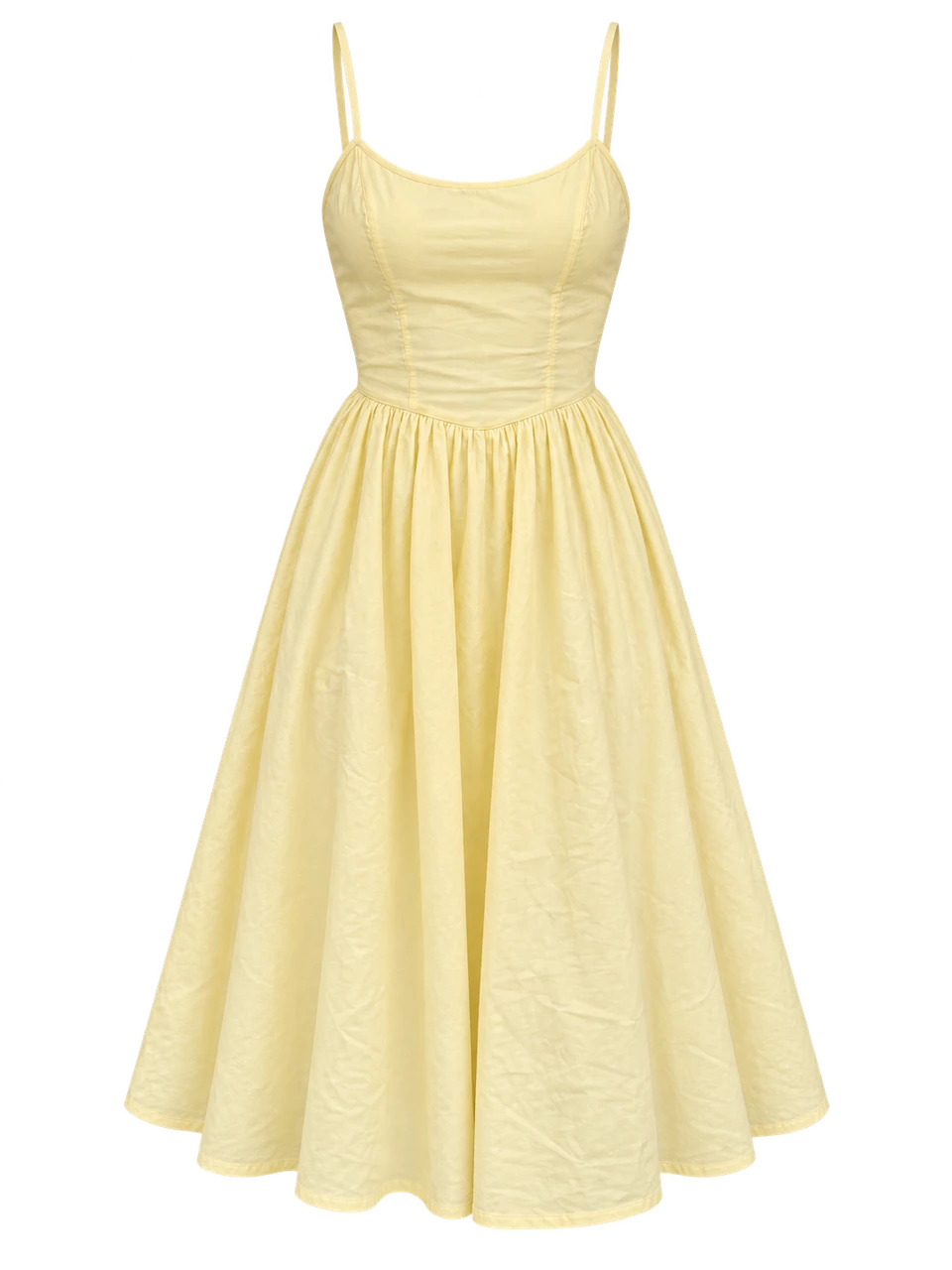
From your collection
Yellow summer dress
A familiar product page.
A new way to see it.
Illustrative storefront
01 / Choose a product
ttlk FitFinder adds virtual try-on to your product pages, so shoppers can see your clothes on themselves.

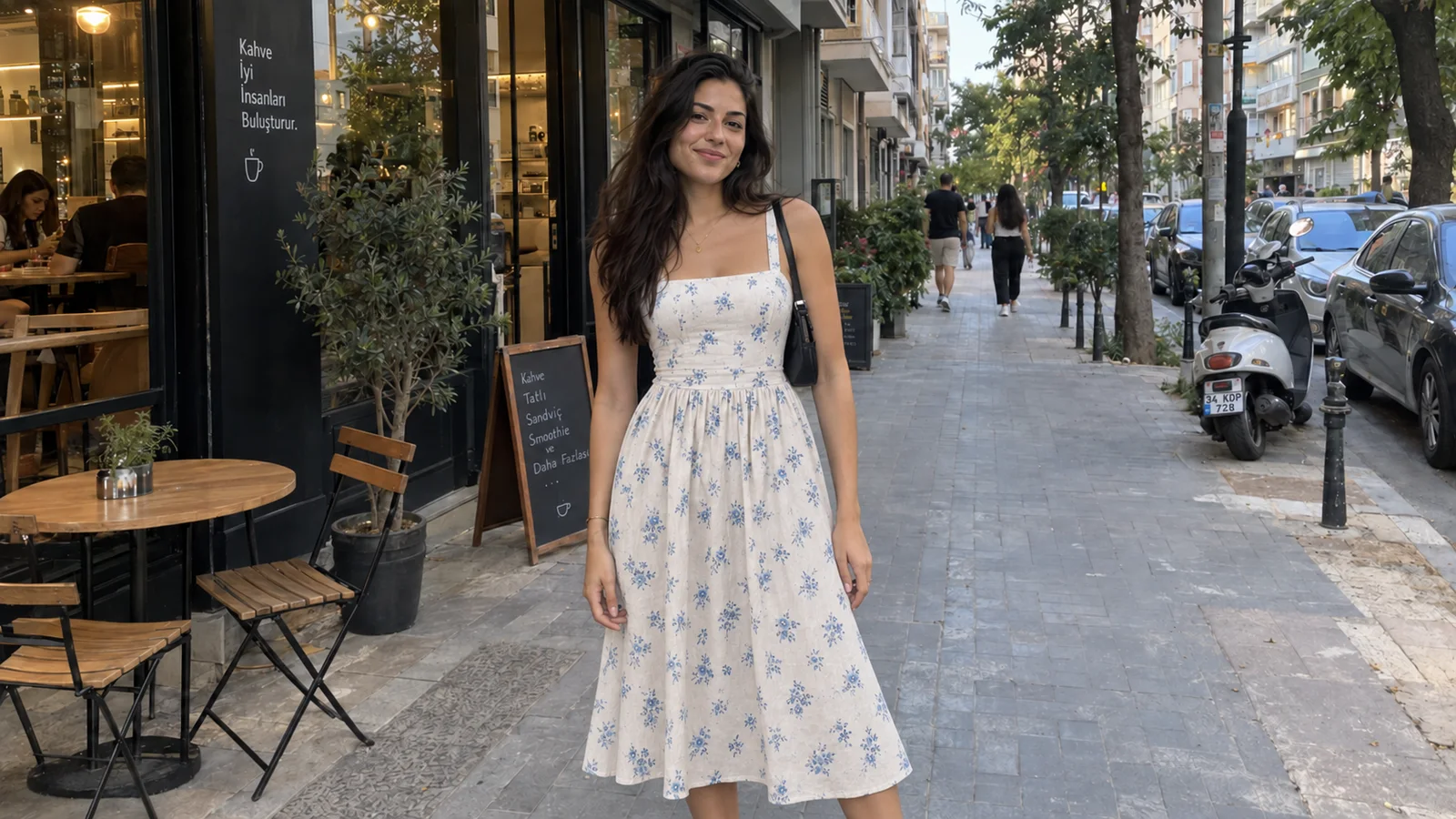
Your products, on your shoppers, inside your store
Feedback from Studio U
“The flow is clean, fast, and matches our brand perfectly.”
“We implemented virtual try-on for our store and love the results.”
How it works
Shoppers open FitFinder from a product page to see that garment on themselves.
From your collection
A familiar product page.
A new way to see it.
Illustrative storefront
01 / Choose a product
Upload 3 selfies and 2 full-length photos once. FitFinder reuses this setup for later try-ons.
Your starting point
3 selfies and 2 full-length photos. One setup, reused for later try-ons.



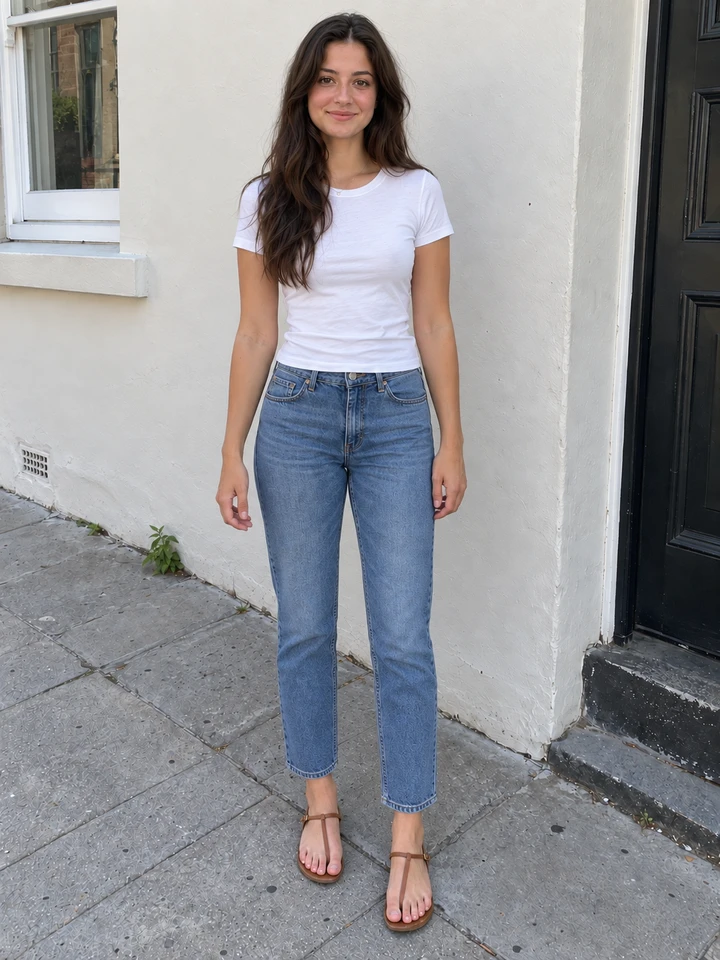
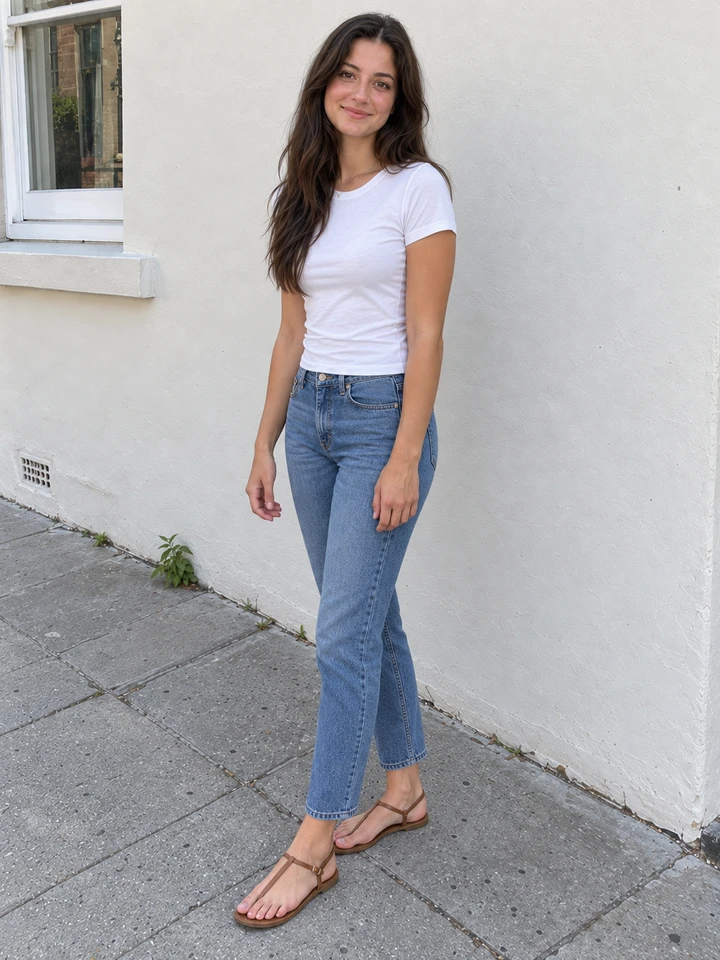
Generated photo examples. This page does not upload your photos.
02 / Upload photos once
Shoppers see a personal preview of your garment before deciding. Size guidance supports the experience.
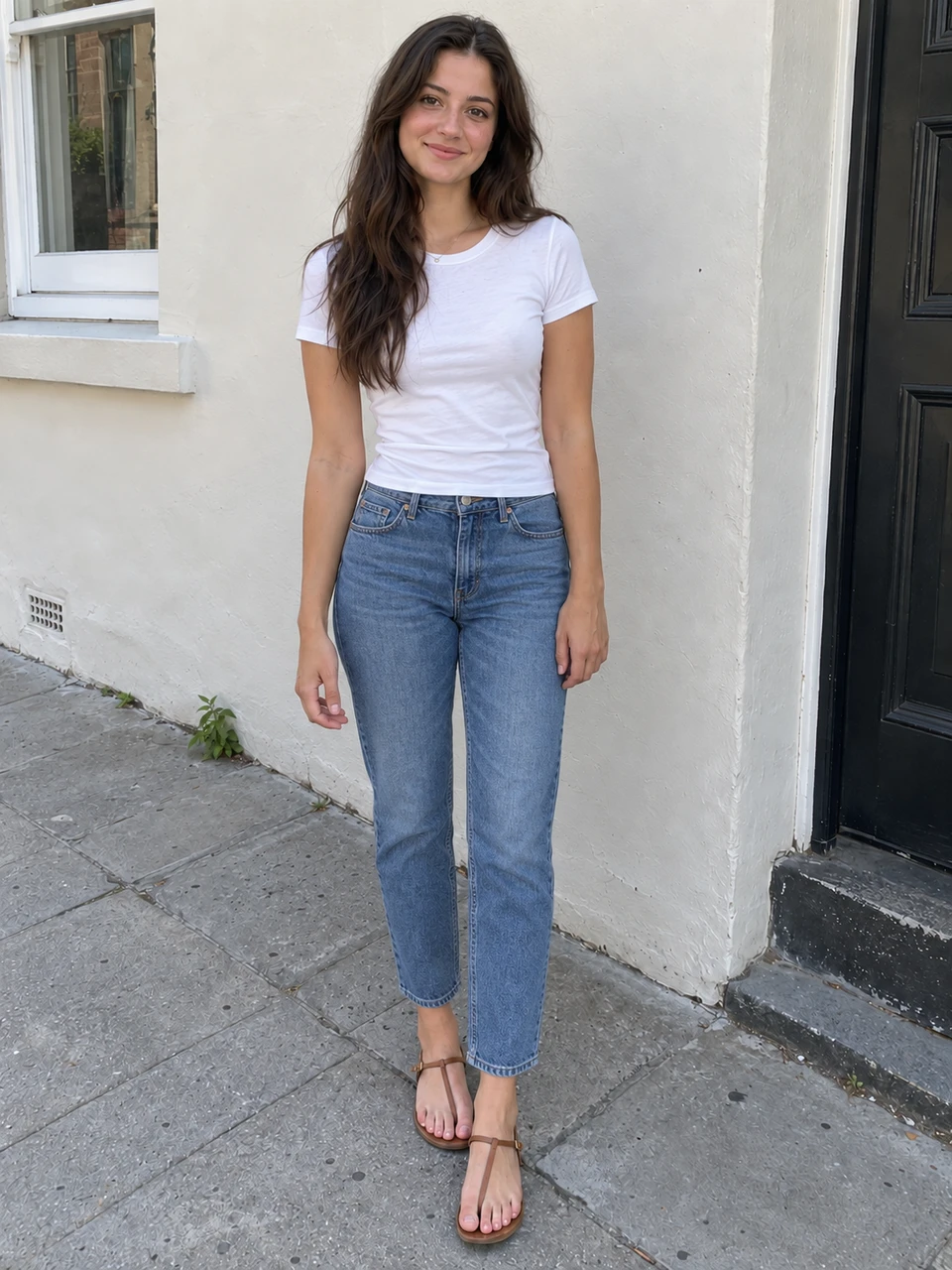
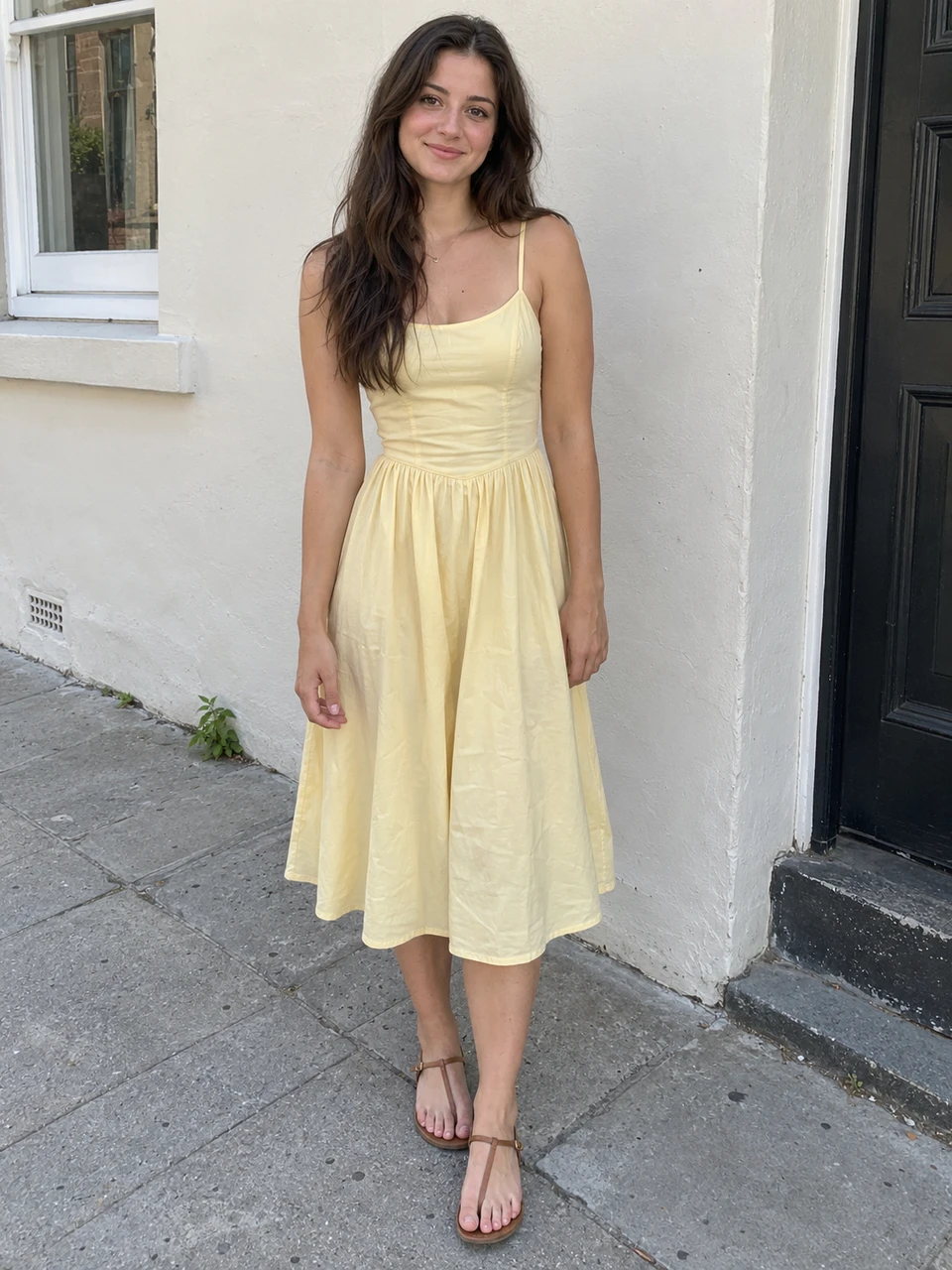
03 / See the try-on
Return to the product to add it to the cart, or try another piece with the same photo setup.
Still in your store
Continue the shopping journey, with a clearer picture.
04 / Continue shopping
Smart sizing
Estimated from photos, matched to your product size chart.
Uses the photos shoppers already upload.
Estimated measurements
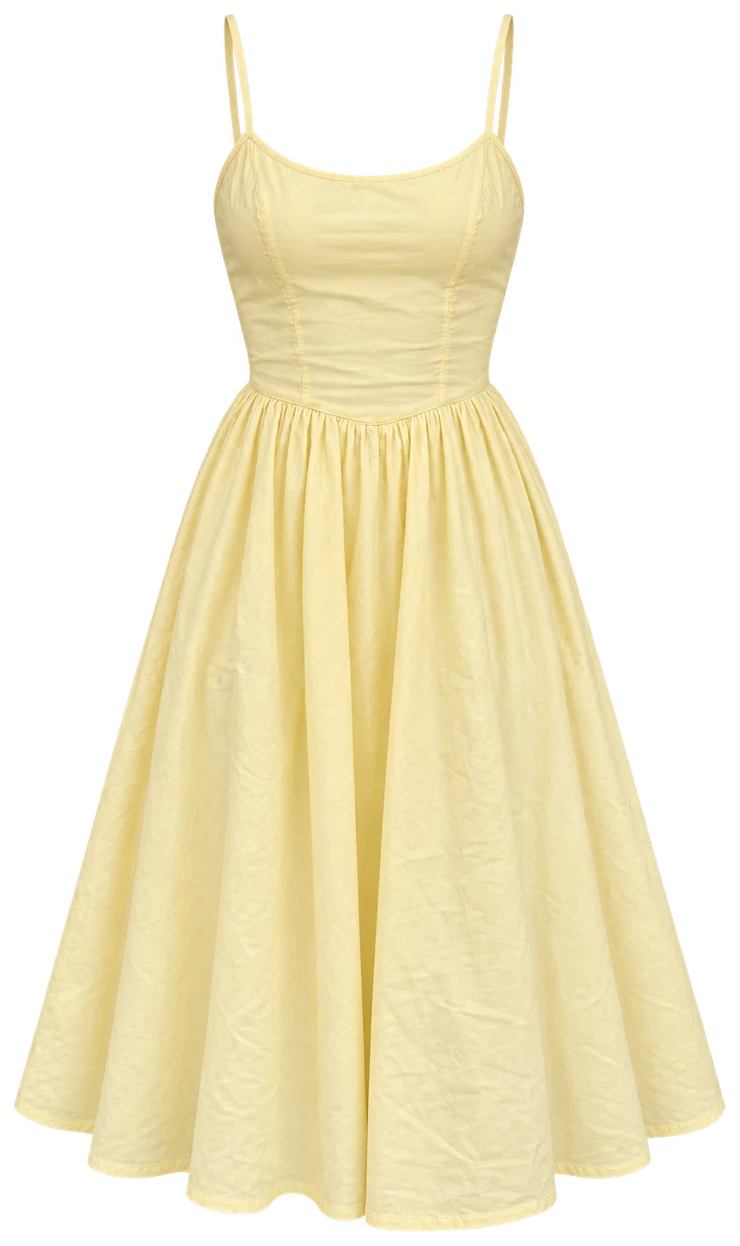
A modern classic for every day. Light and effortless.
Matched to this product’s size chart
| Size | Bust | Waist | Hips |
|---|---|---|---|
| XS | 80 | 62 | 88 |
| S | 84 | 66 | 92 |
| M | 92 | 74 | 100 |
| L | 100 | 82 | 108 |
| XL | 108 | 90 | 116 |
Profile 02: recommended size M
Switch profiles to see the recommended size change
Illustrative demo with preset measurements and a sample size chartIn your storefront
Add a FitFinder entry point to your product pages. Shoppers preview the garment, then return to your store to continue shopping.
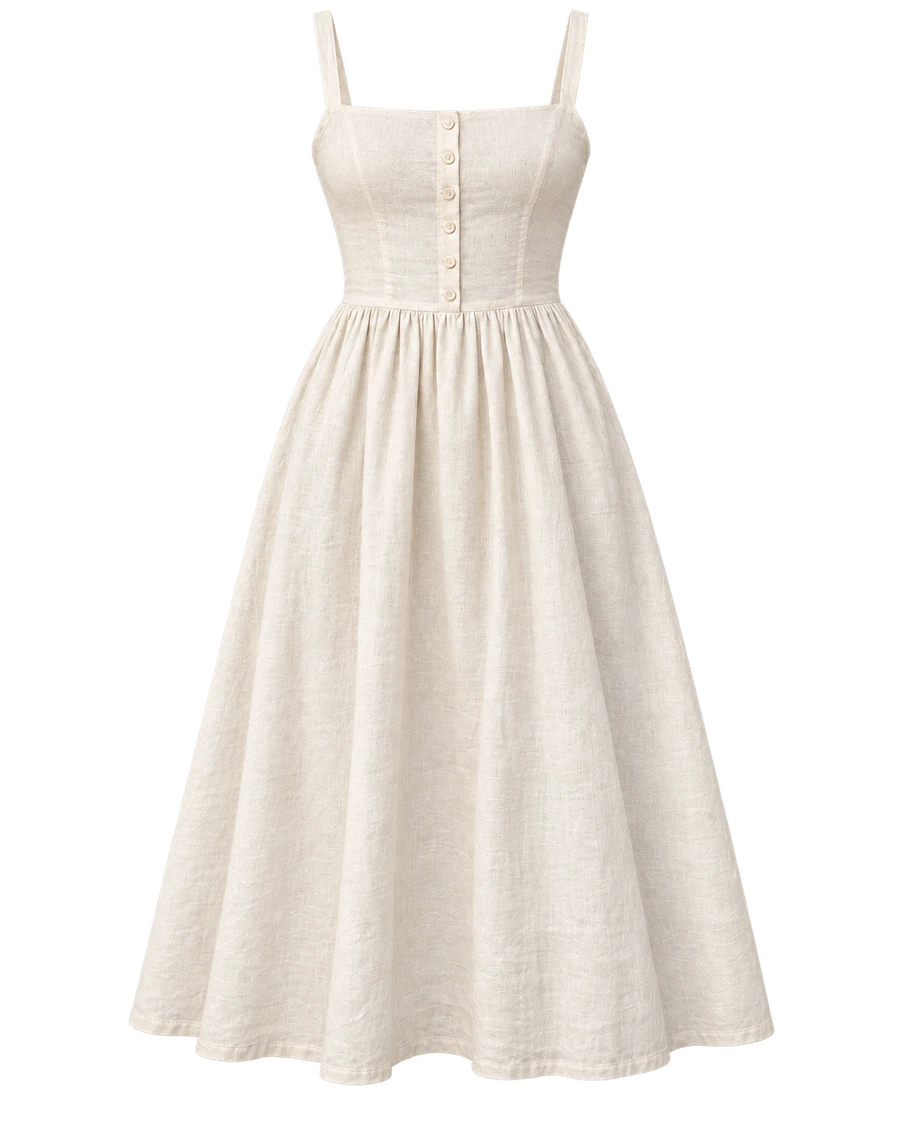
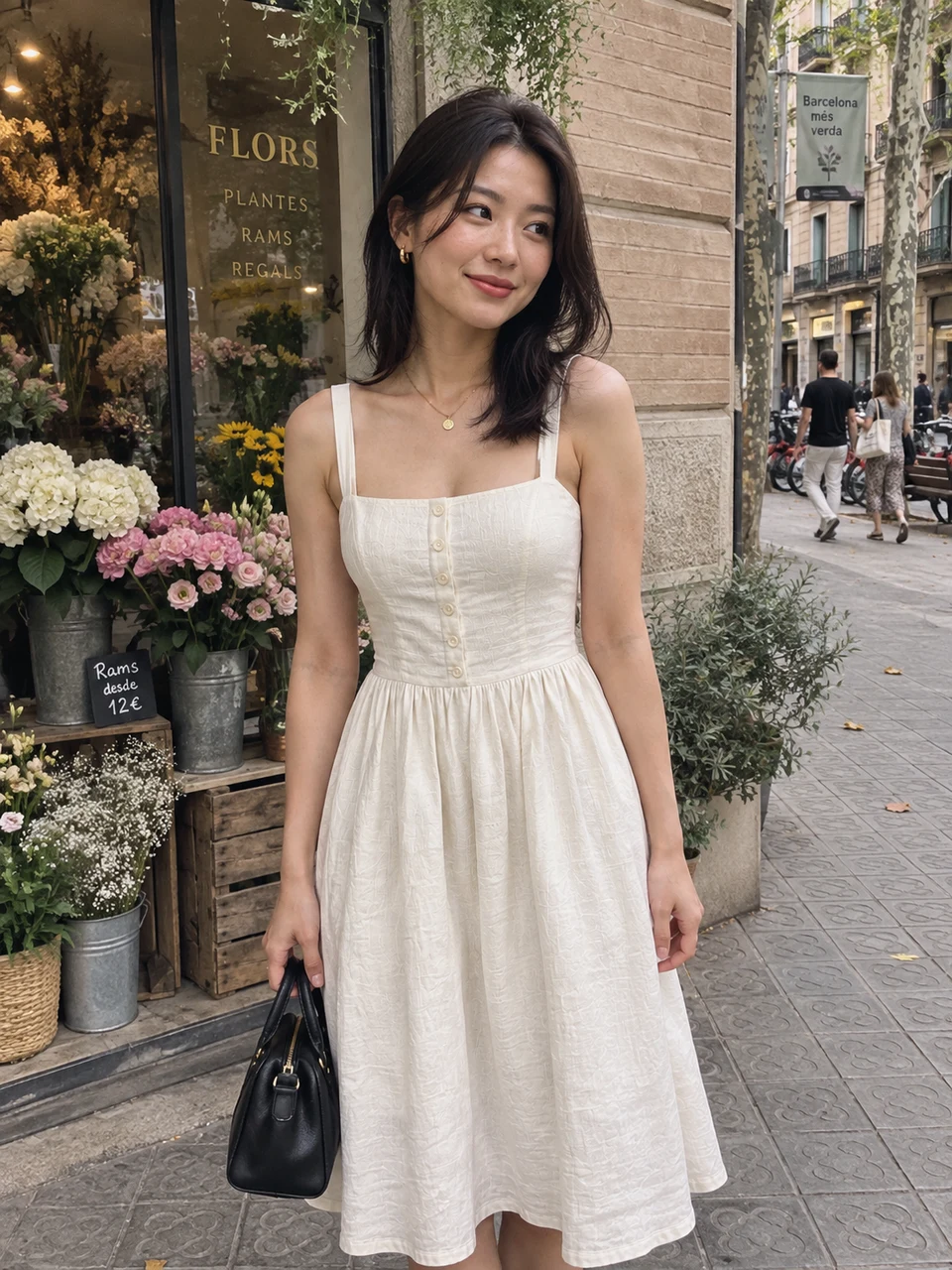
A modern classic for every day.
Color · Ivory
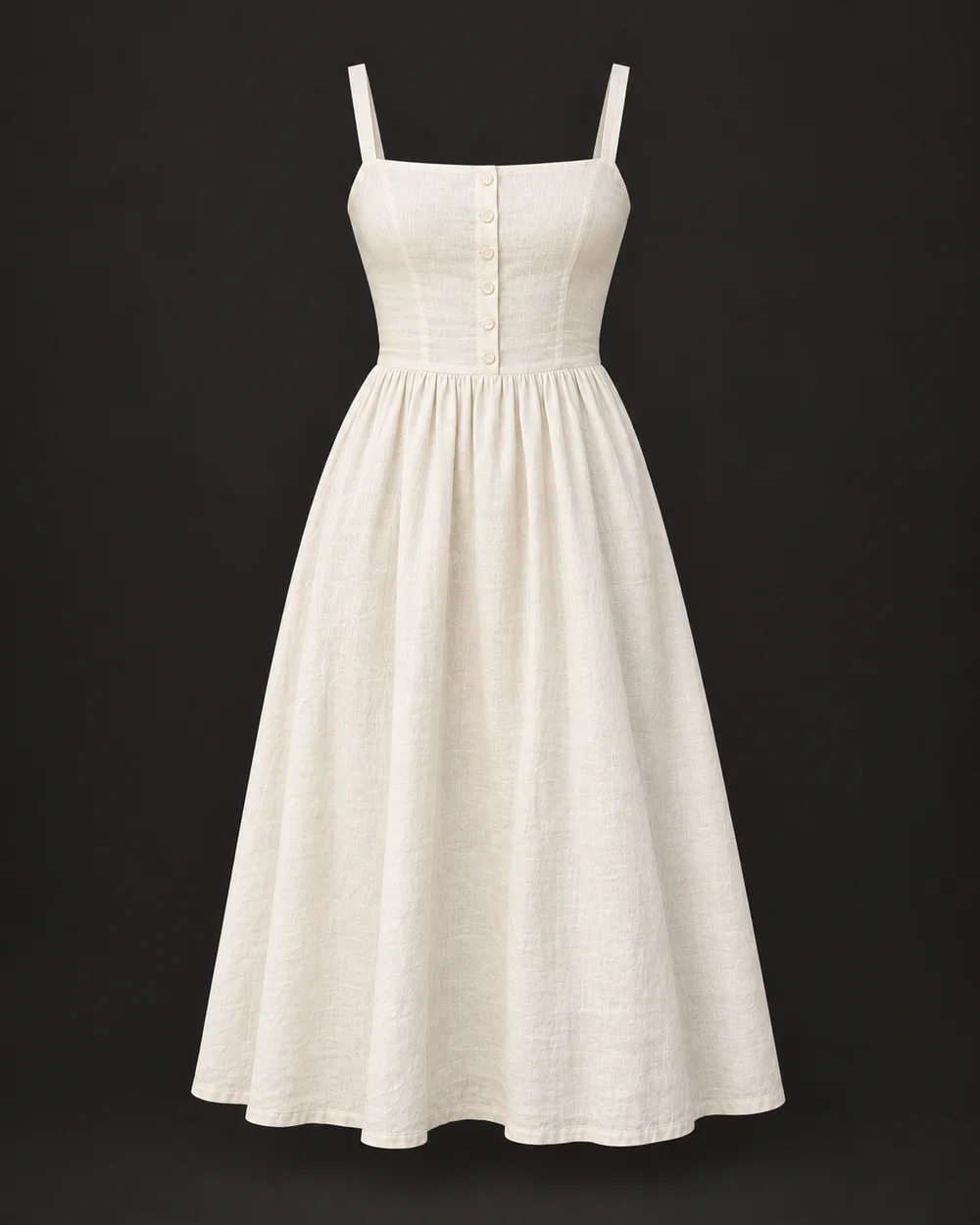
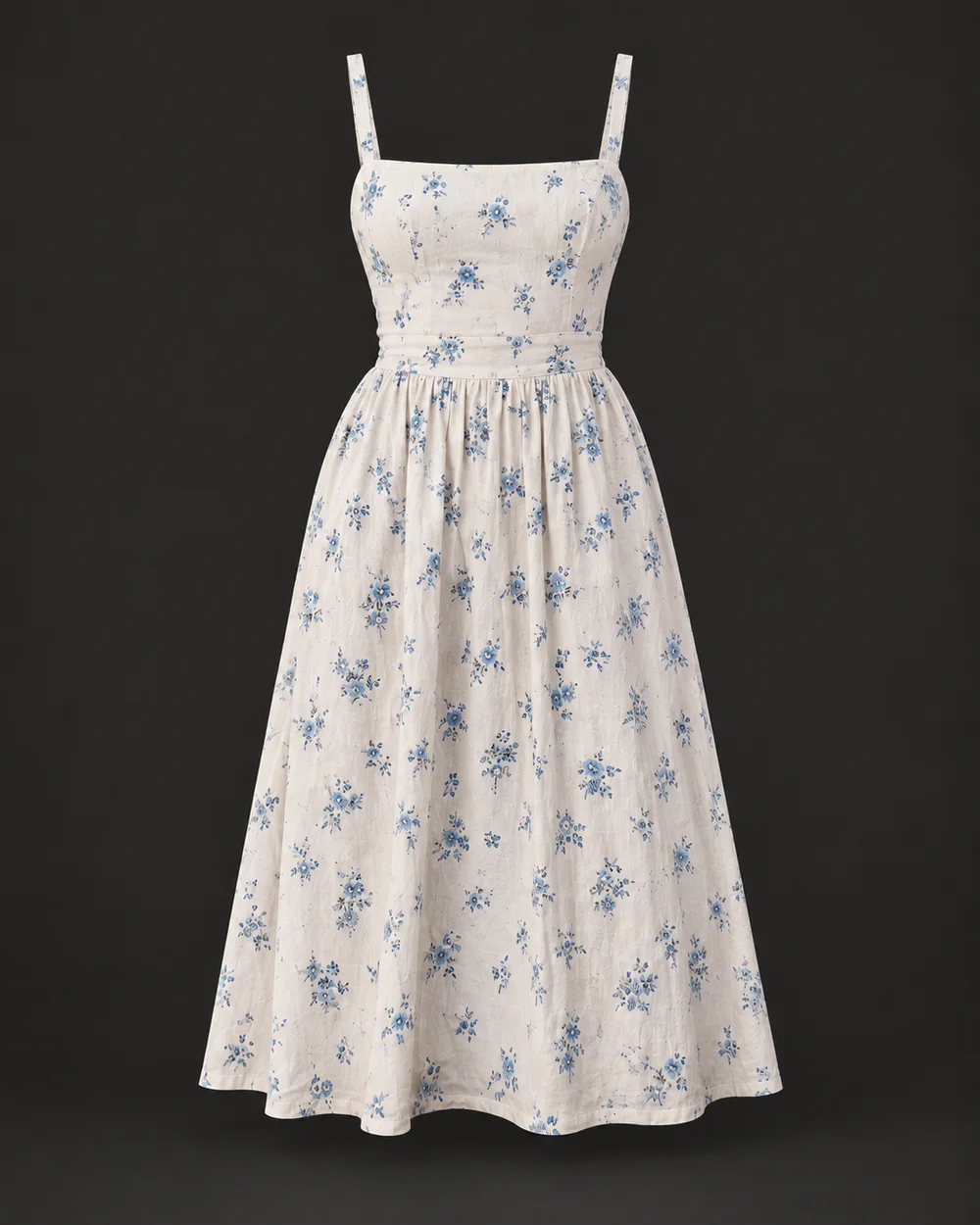
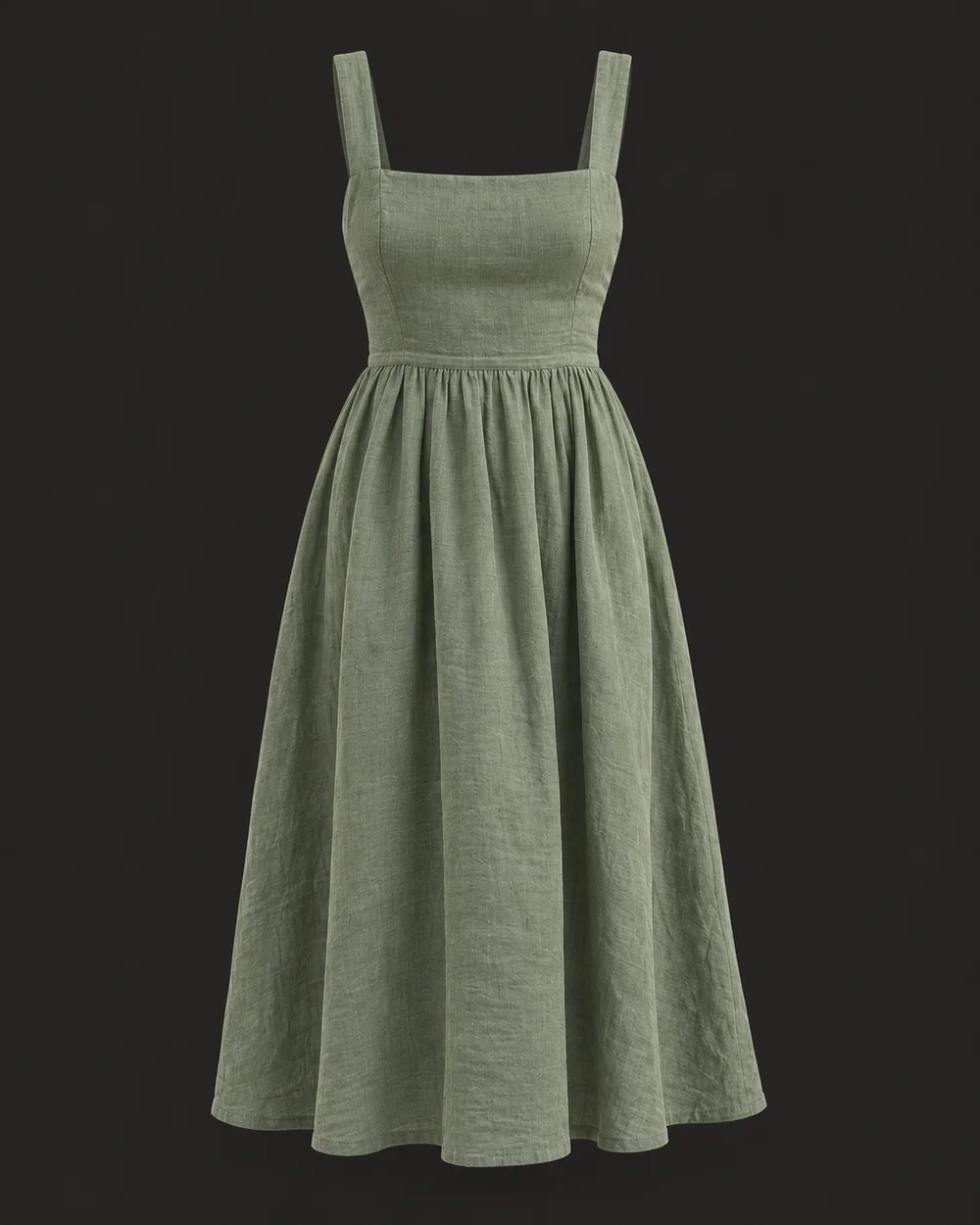
The try-on button sits beside your product details. Match the experience to your store's colors and style.
Illustrative storefront examples.
Discuss an app or product-page snippet matched to your theme and catalog.
Map your catalog and product-page flow to an API integration. We confirm developer involvement during the demo.
Integration possibilities
 Product pages
Your ttlk dashboard
Shoppers try clothes in your store. Your team tracks results in the ttlk dashboard.
See how shoppers use try-on and which products they explore in your ttlk dashboard.
See add-to-cart and completed-order activity alongside try-on usage, once your store's events are connected.
Compare equivalent groups with and without FitFinder in an A/B test to measure the impact on purchases.
Illustrative scenario
Choose your monthly traffic to explore the extra carts and orders in this illustrative scenario.
The same traffic
for the same 25,000 product-page visits
| Metric | Baseline | Scenario |
|---|---|---|
| Add-to-cart rate | 10% | 11.2% |
| Visits with an add-to-cart | 2,500 | 2,800 |
| Purchase conversion | 2% | 2.14% |
| Completed orders | 500 | 535 |
Relative increases, not percentage points. Orders do not represent revenue.
The change in purchase conversion in this example. Actual impact must be measured in your store.
The modeled difference
for the same 25,000 product-page visits
+7% relative lift in this example
Illustrative example, not measured ttlk results. Measure the real lift with an A/B test in your store.
Pricing
See FitFinder with your collection and discuss your integration. Leave the demo with clear next steps for setup, measurement and pricing.
Discuss pricingA useful starting point
We agree the commercial details with you before a rollout.
Ask about your projectBring a few product photos. In the demo, we'll discuss try-on, store integration and how to measure results.
Product photo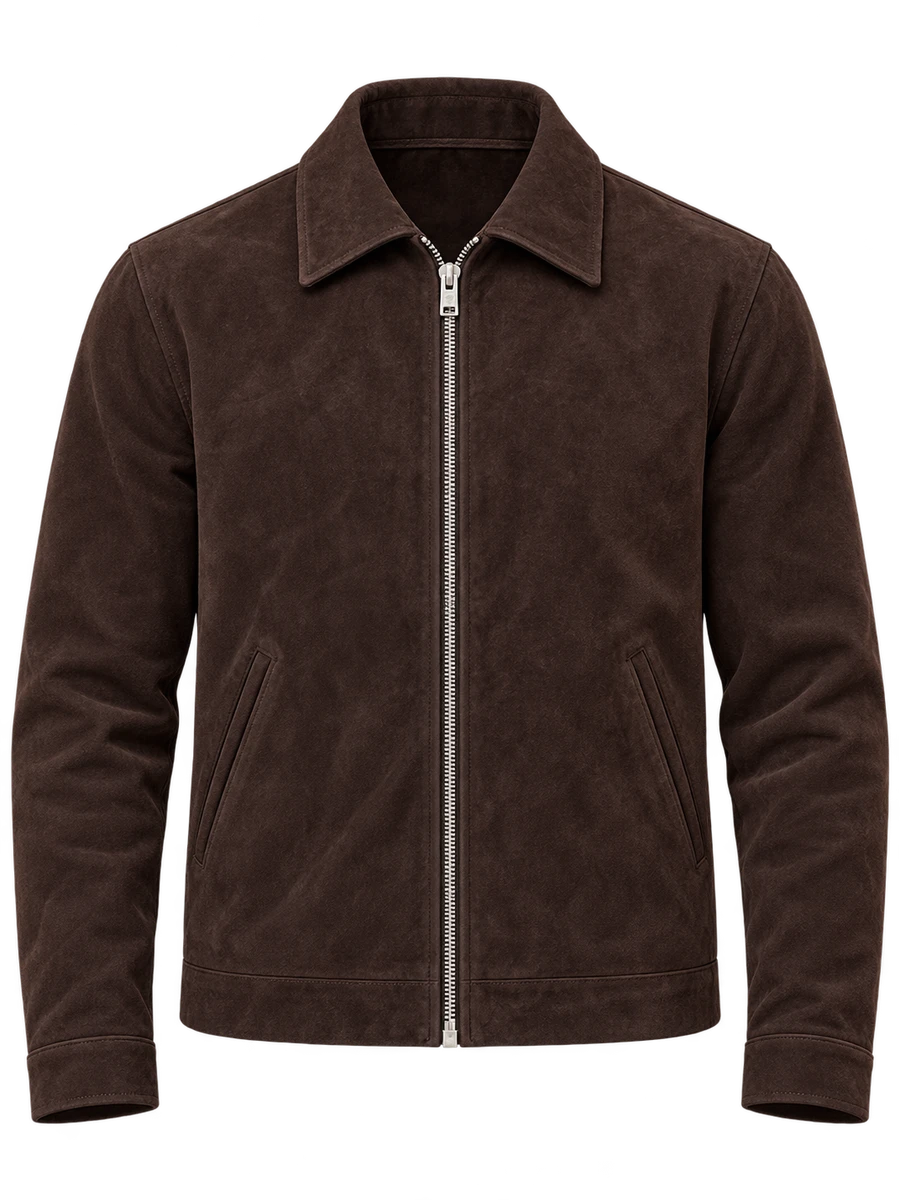 Product photo
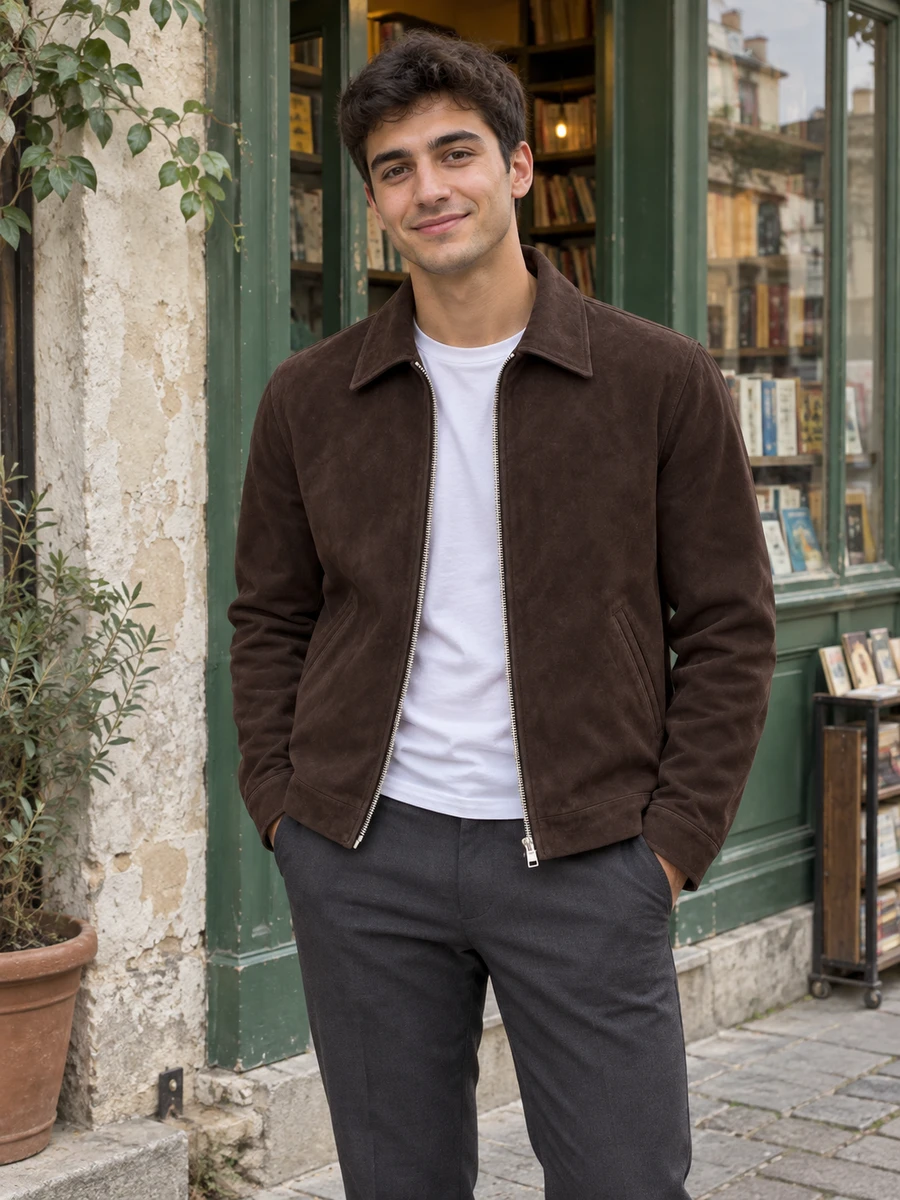 Product photo
Swipe to see more examples
Illustrative try-on previews.
Prefer a separate window? Book directly with Calendly
Prefer email? partnerships@ttlk.fashion
Shoppers upload 3 selfies and 2 full-length photos once. FitFinder reuses this setup for later try-ons, so they do not need to upload photos for every product. The landing-page examples use sample photography.
No. The five-photo setup is completed once and reused for later try-ons.
We show the generation flow and discuss expected timing for your setup during the demo.
Photo use and privacy are covered in our Privacy Policy, linked below. We also walk through the shopper photo flow during your demo.
Yes. The experience lives inside your storefront, so shoppers can return to the product and continue their shopping journey.
FitFinder can also provide AI size recommendations. It supports the main try-on experience with another layer of guidance when size is the question.
We discuss a Shopify app or snippet route, or a custom storefront integration through the API. Your catalog and product-page setup determine the scope, supported categories and developer involvement.
Bring product images, product IDs, categories, available sizes and details of your storefront. We agree who handles installation, the supported categories and the launch plan during the demo.
Yes. The experience can be styled to match your brand and the way your product pages already look and feel. We will walk through that with your products in the demo.
Follow try-on activity in the ttlk dashboard at analytics.ttlk.fashion. To measure uplift, agree an A/B test comparing similar traffic with and without FitFinder, including shoppers who do not use try-on. The increases illustrated on this page are assumptions, not verified results.